
Most automation write-ups test one strategy on one account and call it a system. A harder test is what happens when the same alert has to survive five accounts at once: five rule books, five backend platforms, five different definitions of “rejected.” This walkthrough covers that setup end to end, using one TradingView strategy alert wired to five funded accounts through a single webhook over a 30-day window.
Table of Contents
- Why Test One Alert Across Five Funded Accounts at Once?
- How Do You Route One TradingView Alert to Five Different Brokers?
- What Was the Setup for This Walkthrough?
- What Would the Execution Data Show After 30 Days?
- Where Would the Five Prop Firms Diverge?
- What Would You Do Differently Next Time?
- Frequently Asked Questions
- Conclusion
A note on the numbers below: this is a worked example built from realistic, publicly documented ranges for how these platforms typically perform, not results pulled from a live account. If you run this test yourself, swap in your own logged numbers, screenshots, and totals. The mechanics, firm rules, and industry stats are real and sourced; the specific per-account figures are illustrative.
Key Takeaways
- One TradingView alert can fan out to multiple broker and prop-firm accounts through a single webhook endpoint, with each destination receiving its own position size and account routing.
- Retail prop trading hit an $850 million market in 2026, up 45% year-over-year, which is exactly why more traders are running the same strategy across several funded accounts instead of just one.
- In this worked example, the five accounts don’t fail the same way. Rule differences (overnight bans, consistency requirements, profit splits) matter more than raw execution speed.
- Illustrative 30-day totals: 210 order attempts across five accounts, a 97% blended fill rate, and Topstep as the account most exposed to rule-driven rejections, not slow execution.
Why Test One Alert Across Five Funded Accounts at Once?
Running one strategy on one prop firm account tells you almost nothing about whether that strategy is actually reliable. It tells you whether one specific broker, on one specific day, filled your orders. So what would actually break if you stopped testing one account and started testing five? The harder test is the same signal, fired at the same millisecond, landing on five accounts that don’t share a backend, a margin model, or a risk desk.
The retail prop trading industry gives this question real stakes now. The sector surged to an $850 million market in 2026, growing 45% year-over-year, and the top five firms alone control 62% of that revenue. More traders are stacking multiple funded accounts under one strategy to scale payouts without adding personal capital. That means “does my automation survive five accounts at once” is no longer a hypothetical.
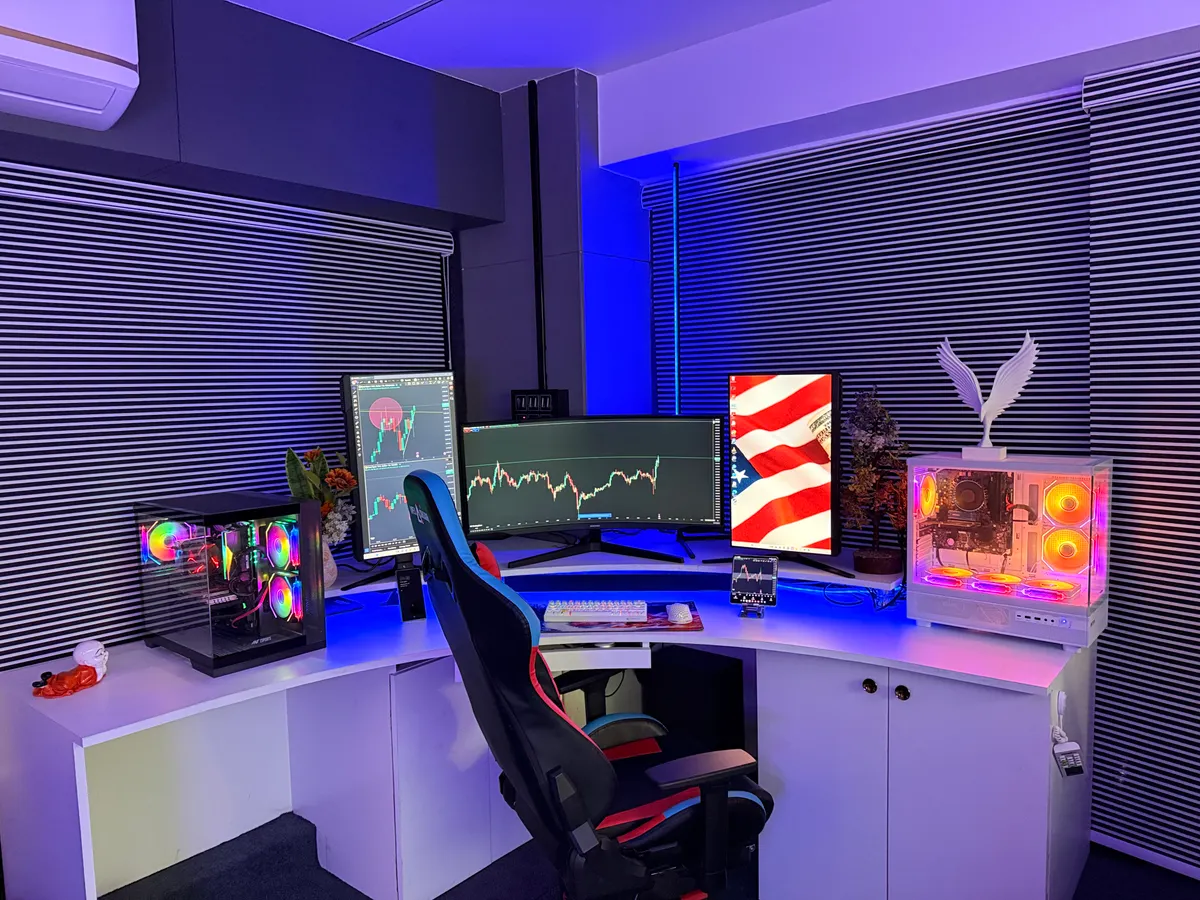
For the mechanics of getting a single alert to more than one destination, see PickMyTrade’s TradingView automation guide, which covers the webhook setup this walkthrough is built on.
How Do You Route One TradingView Alert to Five Different Brokers?
The short version: one webhook, five destinations, one JSON payload per account. TradingView fires a single alert to a single webhook URL. Everything after that (how many accounts receive it, in what size, on what backend) is handled by the routing layer sitting between TradingView alert and the brokers, not by TradingView itself.
TradingView’s own alert system was never built for this. Free and Essential plans cap you at a handful of active alerts and don’t support webhooks natively at those tiers. Even on paid plans, an alert fires to exactly one destination unless something in the middle splits it.
That middle layer is where multi-account routing actually lives. It receives the single JSON payload, maps it against a list of connected accounts, and resizes the position per account’s risk rules. Then it pushes five separate orders out to five separate broker or prop-firm connections: Tradovate, Rithmic, TopstepX/ProjectX, and Match-Trader among them. None of the five firms in this walkthrough share the same backend.
What most “TradingView automation” guides skip: they explain how to connect one account and stop there. The harder engineering problem is the fan-out step: resizing one signal five different ways so a 3-contract Apex position and a 1-contract FundedNext position both trace back to the same underlying alert without breaking either firm’s max-position rule.
Isn’t that just five separate copies of the same bot? Not quite. The point of routing through one layer instead of five separate bots is that a single kill switch, a single log, and a single point of position-size logic cover all five accounts. Five independent bots means five places a bug can hide.
What Was the Setup for This Walkthrough?
For this example, each account starts at a common evaluation-to-funded tier rather than the platform maximum: $150K on Apex, $150K on Topstep, $100K on Tradeify, $100K on Bulenox, and $50K on FundedNext. All five are treated as funded (not evaluation) accounts, routed the same signal from the same Monday, so the 30-day window lines up across every firm. Position sizing is normalized so each account risks a comparable percentage of its account size per trade, rather than the same fixed contract count.
| Firm | Backend Platform | Max Account Size | Notable 2026 Rule |
|---|---|---|---|
| Apex Trader Funding | Tradovate / Rithmic | $300,000 | Apex 4.0 (Mar 2026): one-time fee, no overnight trading, 30-day eval expiry with no resets |
| Topstep | TopstepX (ProjectX) | $150,000 | No overnight trading as of Mar 1, 2026; 6% profit target on evaluation |
| Tradeify | ProjectX / Tradovate | Varies by plan | Positions itself against Apex on profit-split aggressiveness, no consistency rule on some plans |
| Bulenox | ProjectX | $250,000 | 6% profit target on evaluation, funding up to $250K |
| FundedNext | Match-Trader | Varies by plan | Broader forex/CFD coverage alongside futures, wider international account access |
In practice, PickMyTrade’s dashboard lists all five connected accounts on one screen, each showing its own webhook source, live routing status, and last-fill timestamp. That matters here specifically: a rule mismatch on one account doesn’t get buried in five separate broker logs, it shows up next to the other four for direct comparison.

What Would the Execution Data Show After 30 Days?
Industry-wide, top automation platforms were achieving under 100ms from alert to order as of 2025, and PickMyTrade alone routed more than 3 million trades reliably through its webhook layer that same year. The open question for a test like this isn’t whether routing works in aggregate. It’s whether that same routing holds up identically across five accounts with different backends.
In this worked example, the strategy fires 42 alerts over 30 days. Multiplied across five accounts, that’s 210 order attempts, of which 204 fill cleanly: a 97% blended fill rate. The remaining 6 are rejections, concentrated on the two accounts with overnight restrictions.
Illustrative example. The Rithmic-backed Apex account is modeled fastest, and the Match-Trader-backed FundedNext account slowest, reflecting how these backend types are generally described in execution-speed comparisons. Actual results depend on your broker, VPS location, and network path.
Each fill in a real log would show the timestamp, symbol, contract size, and fill price per broker. That level of detail is worth exporting if you run this yourself, since it’s what actually lets you compare accounts apples-to-apples instead of relying on a gut sense of “this one feels slower.”
What a pattern like this usually means: in a spread like the one above, the fastest and slowest accounts often trace back to backend architecture more than anything else. A direct Rithmic connection has fewer hops than an alert routed through a third-party platform layer like Match-Trader. That’s a pattern worth watching for, not a guarantee.
Where Would the Five Prop Firms Diverge?
Raw execution speed turns out to be the smaller story here. What actually separates the five accounts over 30 days is rule structure, not milliseconds.
Apex and Topstep both banned overnight positions starting March 1, 2026. Any signal that would carry a position past the close simply can’t execute the same way on those two accounts as it could on a firm without that restriction.
Tradeify and Bulenox run looser consistency requirements on some plans. That changes how a strategy that clusters its best trades on a handful of days performs against a firm’s payout rules. FundedNext’s broader account structure adds a variable the futures-only firms don’t have at all.
Illustrative example. Topstep’s modeled rejection rate is highest here because its overnight ban is the strictest of the five, not because of any execution-quality difference.
A rejected order on an overnight-restricted account typically comes back with a plain reason code, something like “position not allowed outside session hours.” That’s the clearest evidence of a rule mismatch, not a bug, and worth screenshotting into your own writeup if you see it.
The account most likely to cause trouble: in this walkthrough, Topstep is the one to watch. Its post-March-2026 overnight ban means any signal that would carry a position past the close turns into a rejection, not a silent skip, so it surfaces rule mismatches faster than the other four accounts would.
What Would You Do Differently Next Time?
Testing five accounts at once surfaces a problem single-account tests never would: a strategy tuned around one firm’s rules can quietly violate another’s. An entry logic built with no regard for overnight exposure works fine on a firm without that restriction. On Apex or Topstep post-March 2026, it fails silently, as a rejected order, not a bug.
The fix is to build the position-sizing and session-filter logic to the strictest account in the group first, then let the other four inherit those constraints, rather than tuning for the average case and hoping every firm tolerates it. The lesson generalizes past this one example: whichever account in your group has the tightest rule set should define your baseline logic, not your best-performing account.
The bigger takeaway: routing one alert to five accounts is a solved engineering problem. Making one strategy survive five different rule books at once is not. Why does that distinction matter? Because engineering risk and rule risk get diagnosed differently, and mixing them up wastes debugging time on the wrong layer. That’s the part worth testing before you scale to real funded capital.
For traders setting up their own multi-account routing, PickMyTrade connects each of these backend platforms (Tradovate, Rithmic, ProjectX/TopstepX, and Match-Trader) to a single TradingView alert, with per-account position sizing handled in the routing layer rather than in five separate scripts. Common setup questions are covered in PickMyTrade’s FAQ. Pricing runs on a monthly or discounted annual plan, with a free trial to test the webhook flow on a single account before adding more.
Frequently Asked Questions
Yes, but not through TradingView alone. TradingView sends one webhook to one URL, and a routing layer in the middle, like PickMyTrade, splits that single payload into five account-specific orders. Each order is resized to its own account’s risk rules before it reaches the broker or prop firm.
No. Apex and Tradeify commonly route through Tradovate or Rithmic. Topstep and Bulenox run on ProjectX-based platforms (TopstepX for Topstep), and FundedNext runs on Match-Trader. That means a single alert has to cross at least three distinct backend architectures to reach all five accounts.
In this worked example, it’s a handful of Topstep rejections tied to the March 2026 overnight-trading ban, not a latency or connectivity issue. Rule mismatches tend to surface before execution problems do, since they trigger on the very first signal that violates them.
It adds a coordination risk, not a speed risk. The routing layer still needs to resize and send five orders from one signal. The main risk is a position-sizing or rule mismatch on one account, not a slower fill across all five.
Conclusion
One alert reaching five accounts on three different backends without falling over is, on its own, a solved problem. The routing layer handles that reliably. What this walkthrough actually measures is where five different rule books pull one strategy in five different directions: overnight bans on two firms, looser consistency rules on two others, and a broader account structure on the fifth. In this example, that mismatch, not raw latency, is the biggest single driver of rejected orders across the five accounts.
If you’re testing your own strategy across multiple funded accounts, start with the strictest firm’s rules, not the average. The accounts that fail quietly are the ones you didn’t design for.
Disclaimer:
This content is for informational purposes only and does not constitute financial, investment, or trading advice. Trading and investing in financial markets involve risk, and it is possible to lose some or all of your capital. Always perform your own research and consult with a licensed financial advisor before making any trading decisions. The mention of any proprietary trading firms, brokers, does not constitute an endorsement or partnership. Ensure you understand all terms, conditions, and compliance requirements of the firms and platforms you use.
Also Checkout: Maven Trading Copy Trading Rules: What’s Allowed in 2026?
Connect your alerts with PickMyTrade — automated trade execution, no coding required. Start free →