Introduction: Connecting Your Broker to AI Intelligence
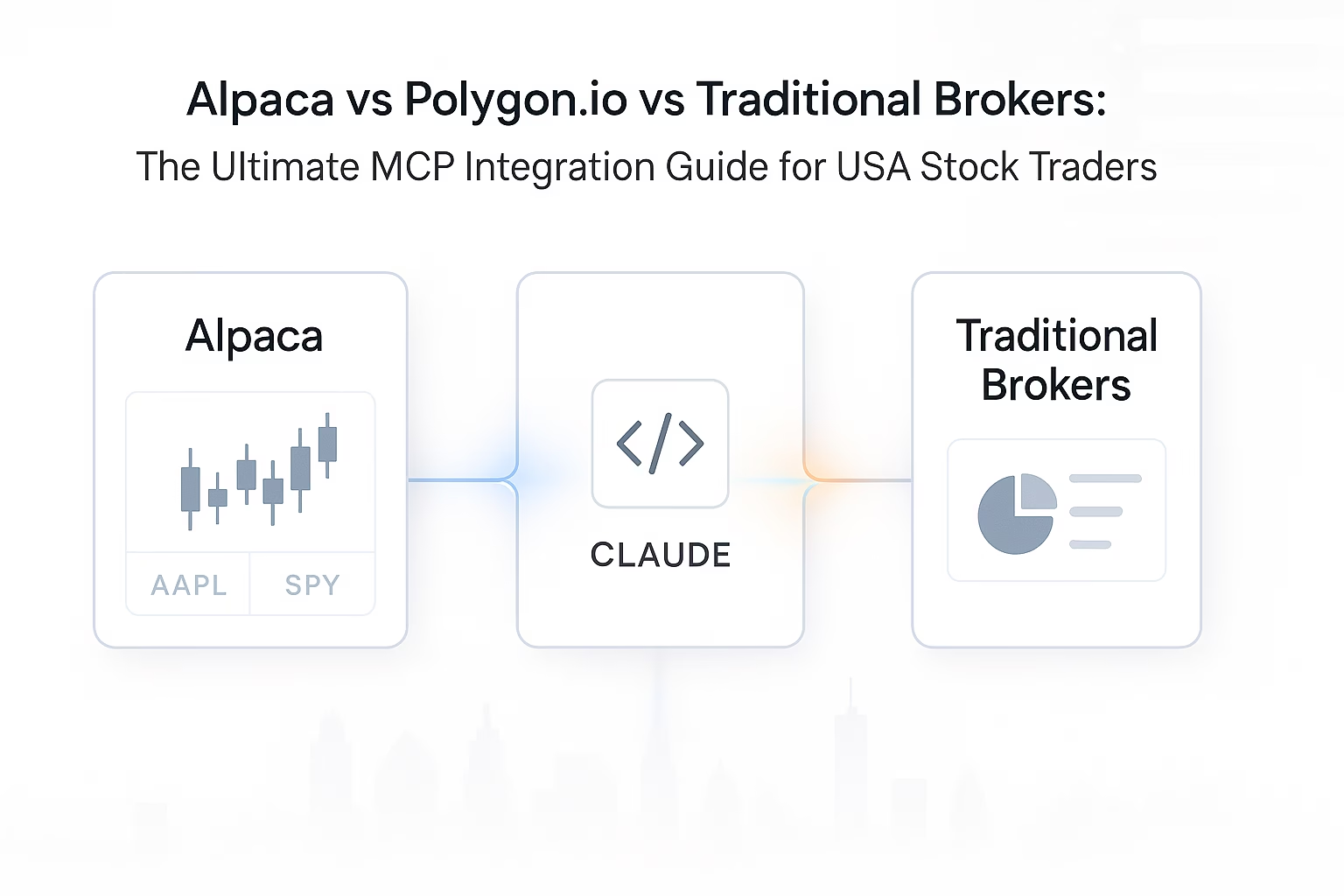
Alpaca vs Polygon.io vs Traditional Brokers MCP Integration — that’s the question every modern USA stock trader asks in 2025. As AI trading copilots like Claude and ChatGPT become mainstream, traders need brokers that seamlessly integrate with the Model Context Protocol (MCP). This guide compares how Alpaca, Polygon.io, and traditional brokers perform when connected to AI trading intelligence.
In this comprehensive guide, you’ll discover:
- Which USA brokers and data providers support MCP integration
- How Alpaca’s official MCP server transforms AI-assisted trading
- Why Polygon.io offers institutional-grade data for serious traders
- When traditional brokers make sense vs. API-first platforms
- How PickMyTrade bridges the gap for automated execution
The State of MCP Integration in USA Brokerage (2025)
Traditional Brokers: The Old Guard
TD Ameritrade (now part of Schwab), Charles Schwab, E*TRADE, Fidelity, and Robinhood are household names in USA stock trading. They offer excellent platforms, research tools, and customer service.
But here’s the problem: None of these traditional brokers currently offer official MCP servers.
While they have APIs (like TD Ameritrade’s thinkorswim API), these are:
- Complex to integrate with AI assistants
- Not designed for MCP protocol specifically
- Require significant programming to connect to Claude
- Lack official support for AI copilot workflows
API-First Platforms: The New Generation
Alpaca, Interactive Brokers, and data providers like Polygon.io were built with API integration at their core. These platforms are designed for:
- Algorithmic traders
- Quantitative analysts
- Developers building trading systems
- AI-powered trading copilots
The difference is night and day. With Alpaca’s official MCP server, you can go from zero to AI-assisted trading in under 10 minutes.
The Data vs. Execution Divide
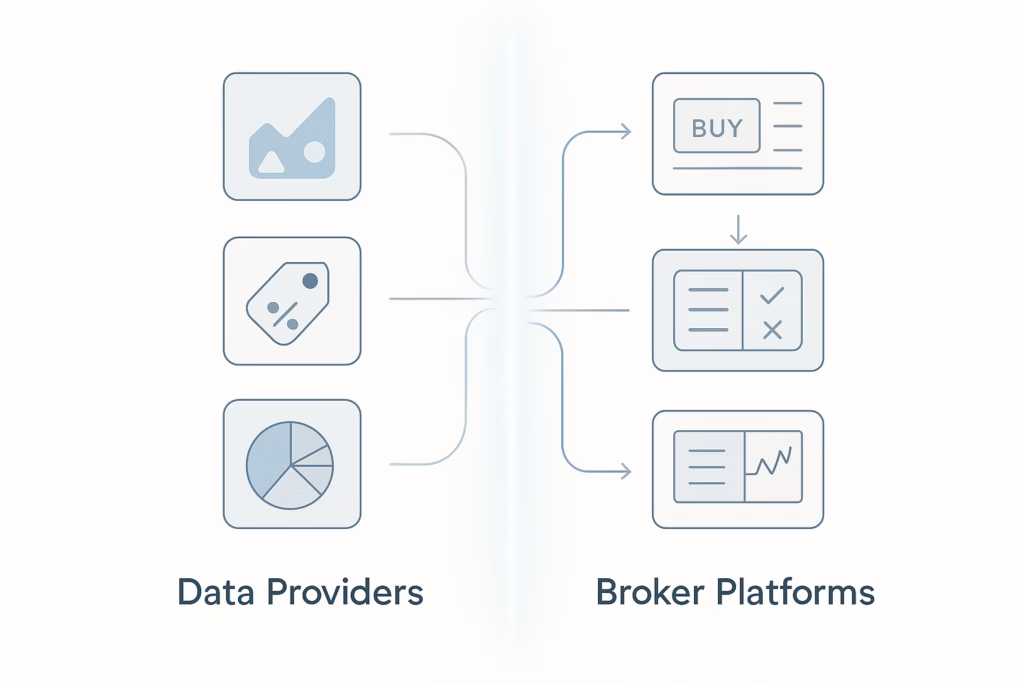
Data Providers (Polygon.io, Alpha Vantage, Yahoo Finance)
- Provide market data, historical prices, and analytics
- Cannot execute trades directly
- Often more comprehensive data than broker feeds
- Used primarily for research and analysis
Broker Platforms (Alpaca, Interactive Brokers)
- Execute trades and manage positions
- Provide real-time account data
- Often include market data feeds
- Complete end-to-end trading solution
Hybrid Solution (PickMyTrade)
- Connects to multiple brokers (Alpaca, Interactive Brokers, Tradovate, TradeStation, etc.)
- No coding required for automation
- Bridges TradingView alerts to execution
- Professional-grade reliability
Alpaca: The King of MCP-Enabled Brokerage
Why Alpaca Dominates the AI Trading Space
Alpaca is a commission-free broker licensed by FINRA and SIPC, offering stocks, ETFs, options, and crypto. But what sets Alpaca apart is its API-first design and official MCP server support.
Key Advantages:
- Official MCP Server – maintained by Alpaca, guaranteed compatibility
- Commission-Free Trading – no fees on stocks or ETFs
- Paper Trading Included – test strategies risk-free forever
- Real-Time Market Data – Level 1 quotes included with account
- Natural Language Trading – execute trades through Claude conversations
- Comprehensive API – portfolio management, order routing, market data
- Options and Crypto – multi-asset support beyond just stocks
What You Can Do with Alpaca MCP Server
1. Natural Language Portfolio Management
Example:
You: “Claude, show me my Alpaca portfolio”
Claude connects via MCP and displays your account data.
2. Conversational Trade Execution
You: “Buy 10 shares of SPY at market”
Claude executes instantly through Alpaca MCP.
3. Intelligent Position Monitoring
You: “Alert me if any position moves more than 3% today”
Claude sets up automated monitoring and alerts you dynamically.
4. Risk-Calculated Order Placement
You: “I want to risk $500 on a long trade for AAPL with a 2% stop loss”
Claude calculates optimal position sizing before executing.
Setting Up Alpaca MCP Server
Step 1: Create an Alpaca account
Step 2: Install the Alpaca MCP Server via npm
Step 3: Configure Claude Desktop with your API keys
Step 4: Restart Claude Desktop and test with commands like:
“Show me my Alpaca account balance”
Alpaca Limitations and Considerations
Pros:
- Best MCP integration available
- Free paper trading forever
- No commissions on stocks/ETFs
- Easy API setup
- Great for learning algorithmic trading
Cons:
- Limited research tools compared to traditional brokers
- No tax-loss harvesting
- Smaller customer support team
- Options trading still maturing
- No in-person support
Best For: Developers, algo traders, and learners
Not Ideal For: Beginners wanting full-service platforms
Polygon.io: Institutional-Grade Market Data for AI Analysis
Why Polygon.io is the Data Provider of Choice
Polygon.io provides high-quality, tick-level market data, often better than what most brokers offer.
Key Features:
- Tick-level and historical data
- Multi-asset coverage (stocks, options, forex, crypto)
- Real-time WebSockets for live quotes
- Options analytics and Greeks
- News, fundamentals, and company data
- Institutional-grade reliability
Use Cases with Polygon.io MCP Integration
- High-Frequency Pattern Detection
- Options Flow Analysis
- Multi-Asset Correlation Analysis
- Historical Backtesting Data
Each use case gives Claude access to deep, granular data for trading analysis.
Setting Up Polygon.io MCP Integration
- Sign up and get your API key at polygon.io
- Clone or install a Polygon MCP Server from GitHub
- Configure Claude Desktop to include your Polygon server and key
Polygon.io Pricing
| Plan | Price | Best For | Key Features |
|---|---|---|---|
| Free | $0 | Hobbyists | Delayed data, basic endpoints |
| Starter | $29/mo | Active traders | Real-time stocks, 100 req/min |
| Developer | $99/mo | Serious traders | Options, forex, crypto |
| Advanced | $199/mo | Algo traders | Tick data, WebSockets |
Recommendation: Start with Starter plan for real-time data, upgrade to Developer for options.
Traditional Brokers: Where They Stand on AI Integration
Major Players
| Broker | MCP Server | Notes |
|---|---|---|
| TD Ameritrade / Schwab | None | Excellent research; API complex |
| E*TRADE | None | Strong options tools |
| Fidelity | None | Institutional-only API |
| Robinhood | None | No public API; not recommended for automation |
Traditional brokers still excel in full-service experiences but lag in automation and AI integration.
Why Traditional Brokers Lag
- Legacy systems built pre-API era
- Compliance and regulatory concerns
- Platform-centric business models
- Focus on mainstream, non-technical investors
The PickMyTrade Advantage: Universal Broker Automation
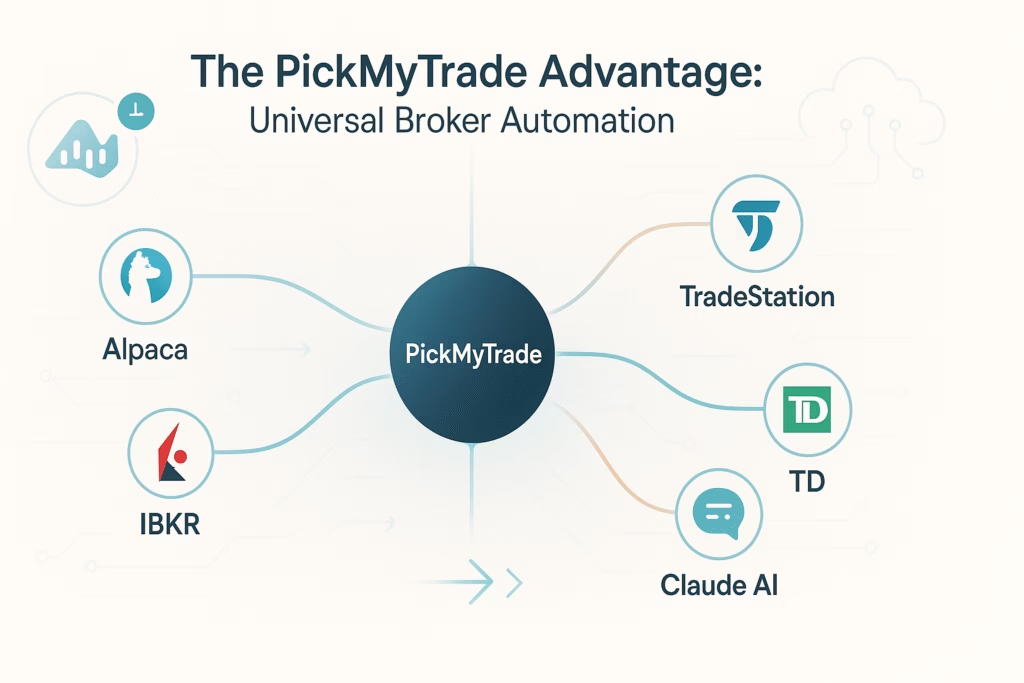
PickMyTrade bridges the gap between AI analysis and reliable trade execution even for brokers without MCP servers.
Key Strengths
- Multi-broker connectivity (Alpaca, IBKR, TradeStation, TD, etc.)
- Zero-code TradingView integration
- 99.9% uptime and retry logic
- Advanced features like bracket orders and position scaling
Professional Workflow Example
- Analyze markets using Claude + MCP servers
- Create TradingView alerts for your setups
- PickMyTrade executes alerts automatically to your broker
- Monitor and adjust positions with Claude
DIY vs. PickMyTrade
| Approach | Setup Time | Cost | Pros | Cons |
|---|---|---|---|---|
| DIY MCP | 10–20 hrs | $0–$200/mo | Customizable | Complex, needs coding |
| PickMyTrade | 5 min | Subscription | Reliable, no code | Paid service |
ROI: If it saves you one missed trade or 10 hours/month, it pays for itself.
Decision Matrix: Choosing Your Trading Stack
| Scenario | Profile | Recommended Stack | Monthly Cost |
|---|---|---|---|
| Learning Algo Trader | Beginners learning automation | Alpaca (paper), Alpha Vantage, Claude MCP | $0–$50 |
| Pro Day Trader | Full-time, speed focused | IBKR/Alpaca + Polygon.io + PickMyTrade | $150–$250 |
| Hybrid Investor | Mix of investing/trading | Schwab/Fidelity + Alpaca + PickMyTrade | $50–$100 |
| Options Trader | Complex strategies | IBKR + Polygon.io Developer + PickMyTrade | $200–$300 |
Common Questions
Can I use Claude with Schwab or TD Ameritrade?
Not directly via MCP. You can analyze data using MCP servers, then execute manually or via PickMyTrade.
Is Alpaca safe?
Yes, Alpaca is FINRA and SIPC regulated, same as major brokers.
Can I use multiple MCP servers?
Yes, Claude supports multiple servers simultaneously (e.g., Alpaca + Yahoo Finance + Polygon.io).
Do I need to pay for data?
Only if you need real-time or advanced features; free tiers exist for basic needs.
Getting Started: Your First Week
Day 1: Set up Yahoo Finance MCP
Day 2: Create Alpaca paper trading account
Day 3: Practice analysis queries
Day 4: Execute test trades via Claude
Day 5: Add premium data sources
Day 6: Develop and test strategy
Day 7: Decide between MCP automation or PickMyTrade
Conclusion: Choosing Your Path to AI-Powered Trading
The integration of AI assistants with brokers marks a turning point in trading technology.
- Alpaca leads with official MCP integration and commission-free trading
- Polygon.io delivers professional-grade data feeds
- PickMyTrade connects analysis to execution reliably
- Traditional brokers remain best for investors who prefer full-service platforms
The most powerful approach is hybrid: use MCP servers + Claude for analysis, TradingView for signal generation, and PickMyTrade for execution.
The future of trading is human + AI.
Resources
- Alpaca Markets – Official Site
- Polygon.io – Market Data API
- PickMyTrade – Trading Automation
- Alpha Vantage – Financial Data API
Disclaimer:
Trading stocks, options, and other securities involves risk. This content is educational only and not financial advice. Always paper trade before risking real capital.
Automated Trading with Pickmytrade
For traders aiming to automate their strategies, PickMyTrade delivers smooth, reliable integrations across multiple platforms. You can easily connect with Rithmic, Interactive Brokers, TradeStation, TradeLocker, or ProjectX via pickmytrade.io.
If your focus is Tradovate automation, head to pickmytrade.trade for a specialized, fully integrated solution. These connections empower traders to automate execution, manage risk intelligently, and monitor positions efficiently all with minimal manual effort.
You May also like:
DNA Funded Review 2025: Tradelocker Connection Guide
Goat Funded Trader (GFT) TradeLocker Connection Guide
ProjectX vs. Rithmic: Which One Should You Use for Bulenox or DayTrader?
How to Switch from Tradovate to TopstepX in 2025: A Comprehensive Guide
Not directly. Use PickMyTrade or Alpaca MCP for AI workflows.
Yes, Alpaca offers free paper trading forever with full MCP support.
Alpaca for execution, Polygon.io for data, and PickMyTrade for automation.