
Automated strategies fail for reasons a backtest can never show you: a webhook that silently drops, a stop placed on the wrong side of a bracket order, a session filter that ignores daylight saving time. Backtested returns commonly shrink 20% to 50% once slippage, execution costs, and real order flow enter the picture. A paper trading automated strategy setup is the step between a plan that looks good on a chart and one you’d actually risk money on.
Table of Contents
- Why Paper Trade an Automated Strategy Before Going Live?
- Backtesting vs. Paper Trading vs. Forward Testing: What’s the Difference?
- How Do You Set Up Paper Trading for a TradingView Automated Strategy?
- What Should You Actually Test During Paper Trading?
- How Long Should You Paper Trade Before Going Live?
- Where Does Paper Trading Still Fall Short?
- How Do You Know You’re Ready to Go Live?
- Frequently Asked Questions
- The Bottom Line
This guide covers how to paper trade a TradingView-driven automated strategy the right way. What to actually test, how long to run it, where paper trading still falls short of live conditions, and how to know you’re ready to flip the switch to a funded or live account.
Key Takeaways
- Backtested returns typically shrink 20% to 50% once slippage, execution errors, and live order flow are added, so paper trading catches problems a backtest can’t.
- Real PickMyTrade execution data across roughly 1,000 live futures trades shows average slippage of 0.8 to 1.2 ticks per trade, and up to 3-5 ticks during news events.
- Most alert-to-order failures surface in the first two weeks of paper trading, not months in.
- Paper trading can’t replicate live slippage under stress or the psychology of real capital. Treat it as a filter, not a guarantee.
PickMyTrade routes TradingView alerts to brokers and prop firms every day, and demo or sim accounts sit inside that same connection rather than bolted on separately. Learn more about PickMyTrade, or get in touch if you want help mapping a paper trading setup to your specific broker or prop firm.
Why Paper Trade an Automated Strategy Before Going Live?
Backtested strategies commonly lose 20% to 50% of their apparent edge once slippage, order rejections, and real execution costs replace theoretical fills. A strategy showing a 20% annual return in a backtest can easily land closer to 13% to 16% once live order routing takes over, and the gap widens further for short-term setups that depend on precise entries.
So why does a strategy that prints money in a backtest sometimes struggle the moment real orders start flowing? A backtest fills every trade at the exact signal price, instantly, in full size, with no competing orders in the queue. Paper trading uses the same broker connection, the same webhook path, and the same order routing as a live account. The only thing missing is real money. That makes it the closest thing to a dress rehearsal your automation gets.
The gap doesn’t spread evenly across a strategy’s trades. It concentrates on entries and exits timed around fast moves, exactly the trades a backtest scores as the strategy’s best ones. That’s the uncomfortable part. The setups that look most profitable on paper are often the ones most sensitive to a few ticks of slippage, which is precisely what paper trading is built to expose before it costs you anything.
Backtesting vs. Paper Trading vs. Forward Testing: What’s the Difference?
Backtesting runs a strategy against historical data offline, with no live order execution involved. Paper trading, sometimes called forward testing or live simulation, runs the same strategy against real-time data through a real broker connection, using a demo or simulated account instead of real capital. The distinction matters because a backtest can’t fail on a broken webhook. Paper trading can, and that’s the point.
Forward testing and paper trading get used interchangeably in most trading discussions, and for an automated strategy built on TradingView alerts, they’re effectively the same exercise. Both measure how the strategy performs on data it hasn’t seen before, under conditions close to live. Our deep dive on historical backtesting covers why backtesting alone, even over decades of data, is a simulation tool for risk assessment, not a predictor, since markets keep evolving.
Paper trading an automated strategy tests one more layer that a manual forward test doesn’t touch: your automation setup itself. The alert syntax, the webhook, the JSON payload, and the connection to your broker or prop firm account. A discretionary trader forward testing by hand is only testing the strategy. You’re testing the strategy and the plumbing that executes it.
How Do You Set Up Paper Trading for a TradingView Automated Strategy?
PickMyTrade connects to brokers with demo, live, prop, and evaluation account modes side by side, so a paper trading automated strategy setup uses the exact same alert and webhook path a live account would, just pointed at a demo connection first. Our broker integration guide covers how that demo/live parity works across Tradovate, Rithmic, and other supported brokers.
Setting it up takes three pieces working together: a demo or sim account with your broker, a webhook alert pointed at that account, and a way to confirm the signal actually became an order. Generate the webhook URL and JSON alert message inside PickMyTrade, then paste that webhook into your TradingView alert exactly as you would for a live account. None of it requires touching real capital while you work out the kinks.
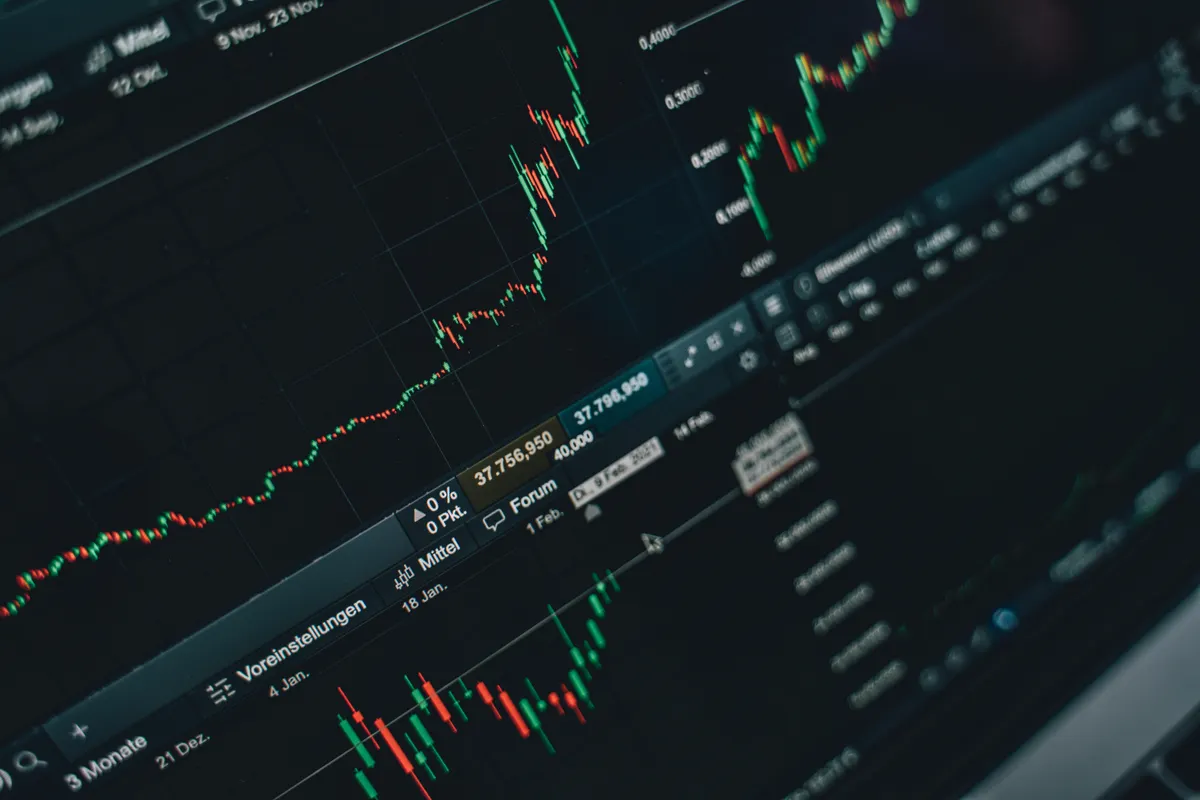
Once the alert fires, don’t just glance at your broker account and assume it worked. Check PickMyTrade’s alert log first. It shows exactly what TradingView sent, whether PickMyTrade parsed it correctly, and whether an order was placed. Then confirm the fill inside your demo account. If something looks off, our guide to fixing common paper trading issues walks through the usual culprits. That two-step check, alert log first, broker second, is what catches a webhook problem before it ever reaches a live order.
What Should You Actually Test During Paper Trading?
Paper trading isn’t just watching whether the strategy makes money in simulation. It’s a checklist of automation behaviors that a profitable backtest tells you nothing about, and most of them have nothing to do with market direction. Run through these during your paper trading window:
- The alert fires consistently on every bar close, not just some of them
- Position size and contract count match what the strategy specifies at your actual account size
- Order type and bracket placement (entry, stop, target) land correctly, not flipped or offset
- Session and timezone handling behaves correctly around market open, close, and rollover
- The connection reconnects cleanly after a platform restart or brief internet drop
Across paper trading setups run through PickMyTrade, the most common first-two-weeks catch isn’t a bad strategy. It’s a webhook misconfiguration: a symbol format the broker doesn’t recognize, a JSON field that doesn’t match the contract spec, or an alert condition that fires on every tick instead of on bar close. None of those show up in a backtest, and all of them are free to fix in a demo account.
How Long Should You Paper Trade Before Going Live?
There’s no single correct number of weeks. How long you paper trade should scale with how much is actually new, the strategy logic, the automation setup, or both. A minor tweak to a strategy you already trade live needs far less runway than a brand-new system built from scratch.
Calendar time is a weaker measure than trade count. A strategy that fires two or three signals a day can log 30 to 50 trades in a couple of weeks, enough to see a real distribution of outcomes. A strategy that trades once every few days might need two months just to reach the same sample size. Judge readiness by trades logged and conditions covered, not by the date on the calendar.
Where Does Paper Trading Still Fall Short?
Real PickMyTrade execution data across roughly 1,000 live futures trades on the ES, NQ, and CL shows average slippage of 0.8 to 1.2 ticks per trade, with worst cases reaching 3 to 5 ticks during high-impact news events. Our full slippage data breakdown shows the split by broker. Paper trading can’t fully reproduce that kind of live degradation, or the psychology of trading real capital, and both matter.
Demo fills tend to be cleaner than live ones, since a live order competes with real order flow in a way a simulated fill often doesn’t model as aggressively during a fast market. Our guide to what actually causes slippage breaks down why even a few ticks of live slippage can erase a day’s profit on a tight strategy, something a calm paper trading run rarely shows you.
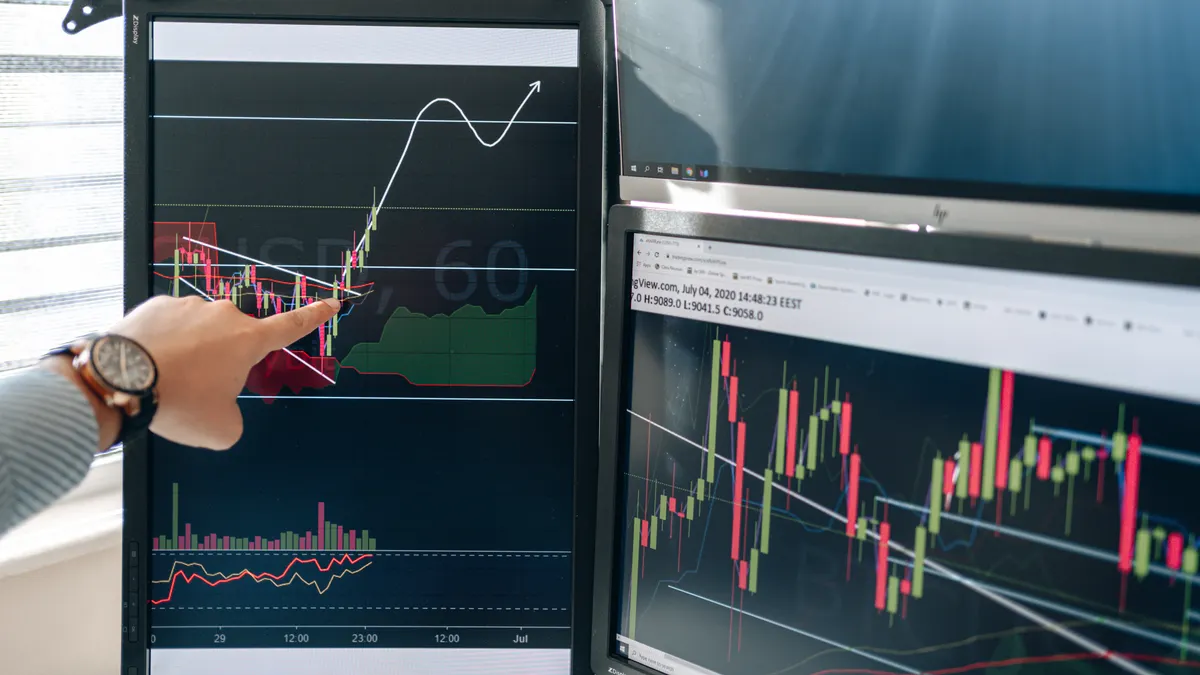
The psychology gap is harder to chart but just as real. Isn’t it strange that the same exact automation, the same webhook, the same alert logic, can feel completely different to watch once real money is attached? It shouldn’t. The orders are identical. But a paper trading run that looked calm and mechanical can trigger the urge to override a stop or skip a signal the moment the account is live. Automation is supposed to remove that instinct. It only does that if you let the system run untouched through the discomfort, which paper trading can’t teach you, only live trading can.
How Do You Know You’re Ready to Go Live?
Readiness comes down to four checkable conditions, not a feeling:
- You’ve logged enough trades to see a real distribution of outcomes, not just a lucky stretch
- You’ve gone at least two to three consecutive weeks with no unexplained order rejections or webhook errors
- Results sit within the range you’d expect after accounting for the backtest-to-live gap, not matching the backtest exactly
- You’ve traded through at least one high-volatility session without the automation breaking

The good news is that switching from demo to live doesn’t mean rebuilding anything. The webhook, the JSON alert, and the strategy logic stay identical. You’re only swapping which account PickMyTrade routes the order to. That works the same way whether you’re going live on a standard broker account or funding a prop firm evaluation on any of the prop firms PickMyTrade supports, including Apex, Topstep, and Tradeify. Our broker integration guide covers the live-account side of that same connection across Tradovate, Rithmic, and more.
Frequently Asked Questions
Aim for at least 30 to 50 logged trades rather than a fixed number of weeks. That’s usually enough to see how the strategy behaves across a real mix of winners, losers, and different market conditions, instead of judging it off a short lucky or unlucky stretch.
Yes. Set up the alert and webhook exactly as you would for a live account, just point it at your broker’s demo or sim account first. When you’re ready, you swap the connected account inside PickMyTrade. The alert, the JSON message, and the strategy logic don’t change.
Not directly. Most prop firm evaluations require real challenge fees and run on the firm’s own rules, so you can’t paper trade the evaluation itself. What you can do is rehearse your automation on a broker demo account first, so the webhook and order logic are already proven before you spend money on a prop firm evaluation.
Stopping the moment results look good, rather than testing through a fuller range of conditions, including at least one volatile session. A close second is only checking the broker account balance and never checking the alert log, which is where silent webhook failures actually show up.
The Bottom Line
Paper trading an automated strategy isn’t a formality before going live. It’s the only step that tests your actual automation, not just your strategy logic, against real-time data and a real broker connection. Backtests can’t show you a broken webhook. Paper trading can, for free, before it costs you anything.
Scale the runway to what actually changed, watch the alert log as closely as the account balance, and go into live trading expecting the backtest-to-live gap rather than being surprised by it. When the setup is proven, moving from a demo account to a live or funded one is a one-field change inside PickMyTrade, not a rebuild.
Disclaimer:
This content is for informational purposes only and does not constitute financial, investment, or trading advice. Trading and investing in financial markets involve risk, and it is possible to lose some or all of your capital. Always perform your own research and consult with a licensed financial advisor before making any trading decisions. The mention of any proprietary trading firms, brokers, does not constitute an endorsement or partnership. Ensure you understand all terms, conditions, and compliance requirements of the firms and platforms you use.
Also Checkout: TradeStation vs Interactive Brokers: Automated Futures (2026)
Connect your alerts with PickMyTrade — automated trade execution, no coding required. Start free →