Introduction to Stock Discord Bots: Revolutionizing Community Trading
In the fast-paced world of 2025 stock trading, stock Discord bots have become indispensable tools for traders seeking an edge. These automated helpers deliver real-time updates on market movements, streamline Discord server integration, and foster vibrant community trading environments. Whether you’re a day trader monitoring volatile indices or a long-term investor building watchlists, stock Discord bots bridge the gap between social collaboration and actionable insights.
Gone are the days of juggling multiple apps—today’s bots, powered by AI and seamless APIs, pull data from sources like TradingView and Yahoo Finance directly into your Discord channels. With recent updates emphasizing AI-driven predictions and multi-asset support, stock Discord bots are more intelligent than ever, helping over 27,000 investing servers stay ahead. In this guide, we’ll explore bot setup, Discord server integration, and how to leverage them for community trading, including a spotlight on PickMyTrade’s automation trading features.
Top Stock Discord Bots for 2025: Features and Real-Time Updates
The landscape of stock Discord bots has evolved dramatically in 2025, with enhancements in AI analytics and crypto-stock crossovers. Here’s a curated list of the best, based on user reviews and performance metrics from platforms like Top.gg and Slashdot.
| Bot Name | Key Features | Pricing | Best For |
|---|---|---|---|
| Stock Bot | Detailed quotes, watchlists, economic data, crypto integration (300+ pairs), auto-delete responses | Free basic; Premium $5/month | Beginners in community trading |
| Alpha.bot | TradingView charts, price alerts, paper trading, scheduled posts, webhook relays | Free; Pro $9.99/month | Real-time updates on stocks/crypto/forex |
| Tradytics AI Bots | Options flow signals, AI predictions (Bullseye, Scalps), insider trades, revenue estimates | $69/month individual; $199 Discord bundle | Advanced stock Discord bots for options |
| Unusual Whales Bot | Options & stock alerts, dark pool trades, analyst upgrades | $30/month | High-volume traders |
| NVSTly Bot | Trade tracking/sharing, P&L logs, multi-asset support (stocks/options/forex/crypto) | Free trial; $15/month | Social community trading |
These bots shine in delivering real-time updates, with Tradytics’ 2025 refresh adding intraday AI scores for swing trades—boosting win rates by up to 20% in backtests. For community trading, Alpha.bot’s satellites provide customizable price overviews, keeping group chats engaged without overwhelming notifications.
Discord Server Integration: Seamless Setup for Stock Discord Bots
Discord server integration is the backbone of effective stock Discord bots, allowing bots to post real-time updates and interact with members effortlessly. Discord’s 2025 API updates have made webhook-based integrations faster, reducing latency to under 500ms for market alerts.
Step-by-Step Guide to Discord Server Integration
- Prepare Your Server: Ensure you have admin permissions. Create dedicated channels like #market-alerts or #trade-discussion for focused community trading.
- Invite the Bot: Head to the bot’s official site (e.g., stockbot.us for Stock Bot). Click “Add to Discord,” select your server, and grant permissions: Read/Send Messages, Embed Links, and Use External Emojis.
- Configure Permissions: Use commands like /permissions (Stock Bot) to review and tweak access. For real-time updates, enable “View Channel” for alert channels.
- Link Data Sources: Integrate with TradingView or APIs via webhooks. For example, Alpha.bot’s relay feature auto-posts charts from custom scripts.
- Test Integration: Type !price AAPL or /alert TSLA to verify real-time updates. Recent Discord changes require bot verification for servers over 75 members—apply via the Developer Portal if needed.
This setup ensures smooth Discord server integration, turning your server into a live trading hub.
Click Here To Start Stock Trading Automation For Free
Bot Setup: Easy Installation for Real-Time Updates and Community Trading
Bot setup for stock Discord bots is straightforward in 2025, thanks to no-code tools and improved developer portals. Follow this updated tutorial, incorporating 2025’s emphasis on secure tokens and multi-intent gateways.
Quick Bot Setup Tutorial
- Create a Bot Account: Log into Discord’s Developer Portal (discord.com/developers). New App > Bot > Copy Token. Enable “Message Content Intent” for command parsing.
- Install Dependencies: For custom bots, use Node.js or Python. Example Python setup with discord.py: pip install discord.py yfinance. Fetch stock data via yf.Ticker(“AAPL”).history() for real-time updates.
- Code Basic Commands:
- text
import discord from discord.ext import commands import yfinance as yf bot = commands.Bot(command_prefix='!') @bot.command() async def stock(ctx, symbol: str): data = yf.Ticker(symbol).info embed = discord.Embed(title=f"{symbol} Stock", description=f"Price: ${data['regularMarketPrice']}") await ctx.send(embed=embed) bot.run('YOUR_TOKEN') - Host on Replit or Heroku for 24/7 uptime.
- Add to Server: Generate OAuth2 URL with bot scope and invite. Test with !stock NVDA for instant real-time updates.
- Advanced Tweaks: For community trading, add role-based access (e.g., premium users get AI signals). Recent GitHub repos like discord-stock-bot include history commands for multi-symbol analysis.
With this bot setup, you’re ready for seamless real-time updates in under 10 minutes.
Integrating PickMyTrade Automation Trading: Elevate Your Stock Discord Bots
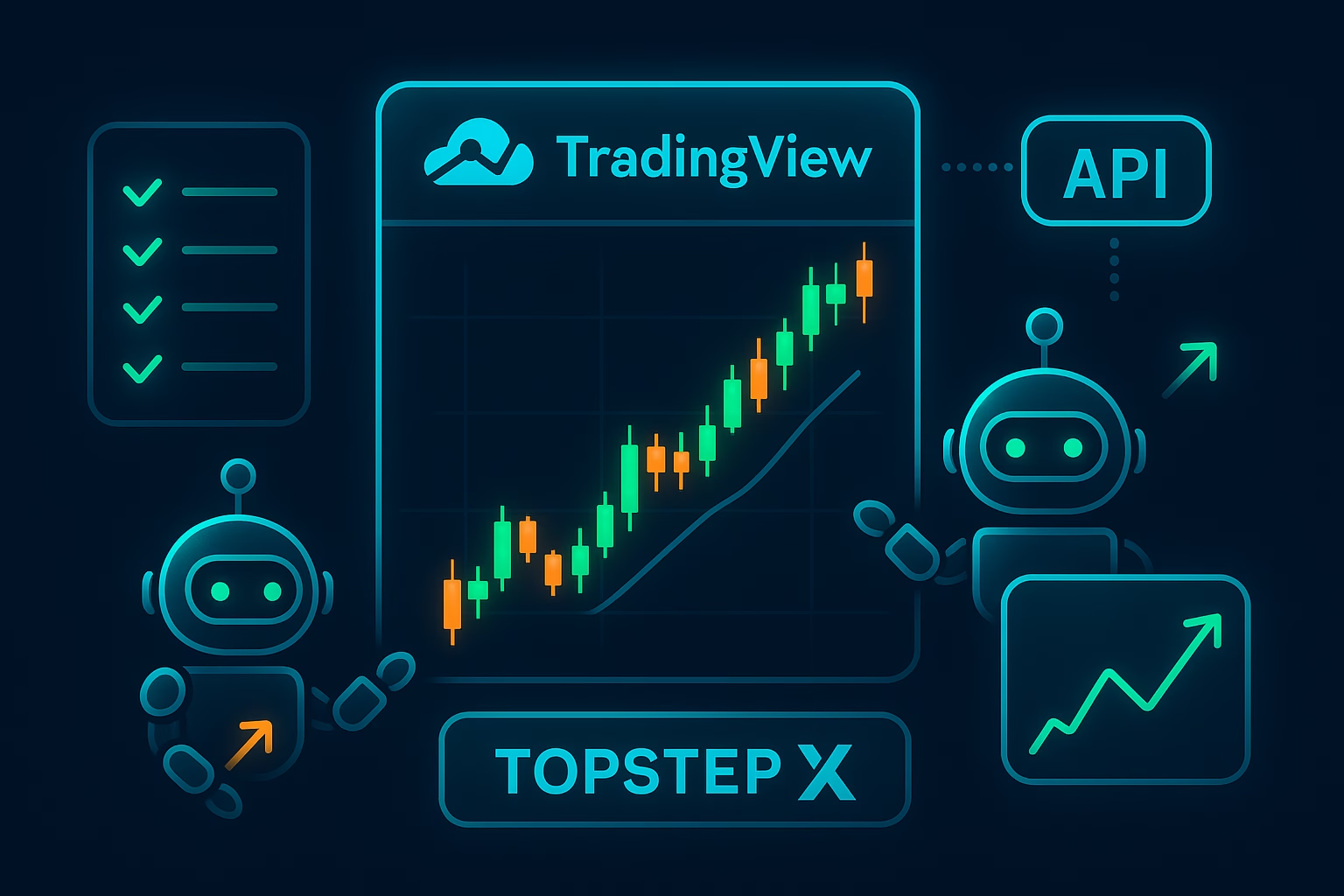
For traders craving hands-off execution, PickMyTrade’s 2025 automation trading platform integrates beautifully with tradingview, bridging TradingView strategies to brokers like ProjecX, Rithmic and Interactive Brokers. Over 3,000 users have executed 3M+ trades via its cloud-based bots, supporting unlimited strategies with millisecond precision—no coding required.
Why PickMyTrade for Discord Server Integration?
- Seamless Alerts: Link TradingView webhooks to Discord channels for real-time updates on automated entries/exits.
- Multi-Account Copy Trading: Mirror trades across accounts with risk multipliers, perfect for community trading groups.
- Features: Trailing stops, OCO orders, and prop firm support. 2025 updates added AI-optimized position sizing.
Setup: Sign up for a 5-day free trial at pickmytrade.trade, connect your broker, and pipe alerts to your bot via webhooks.
Fostering Community Trading: Bots for Collaborative Success
Community trading thrives on shared insights, and stock Discord bots amplify this in 2025. Bots like NVSTly enable trade sharing with P&L tracking, while Tradytics’ querying commands spark discussions on options flow. Use scheduled posts for daily recaps, and integrate PickMyTrade for group copy-trading sessions. Recent X discussions highlight bots’ role in real-time alpha sharing, with users praising low-latency alerts during volatile sessions.
Pro Tip: Moderate with anti-spam filters to keep chats focused—essential for scaling community trading.
Conclusion: Level Up Your Trading with Stock Discord Bots Today
Stock Discord bots aren’t just tools; they’re the future of accessible, collaborative trading in 2025. From effortless bot setup and Discord server integration to AI-powered real-time updates, these bots—especially when paired with PickMyTrade automation trading—empower traders to focus on strategy, not screens. Join a server, invite a bot, and watch your community trading flourish. Ready to automate? Start your free trial today and trade smarter.
Frequently Asked Questions (FAQs) on Stock Discord Bots
Top free options include Stock Bot for quotes and watchlists, and Alpha.bot for paper trading and alerts. Both offer robust real-time updates without upfront costs.
Use bots like Tradytics or Alpha.bot: Invite via their site, configure webhooks for symbols (e.g., /alert AAPL), and enable DM notifications for instant real-time updates.
They enable shared watchlists, trade copying, and live discussions, fostering collaboration. Tools like NVSTly track group P&L for transparent community trading.
Disclaimer:
This content is for informational purposes only and does not constitute financial, investment, or trading advice. Trading and investing in financial markets involve risk, and it is possible to lose some or all of your capital. Always perform your own research and consult with a licensed financial advisor before making any trading decisions. The mention of any proprietary trading firms, brokers, does not constitute an endorsement or partnership. Ensure you understand all terms, conditions, and compliance requirements of the firms and platforms you use.
Also Checkout: S&P 500 Trading: Automate Stock Indices in 2025