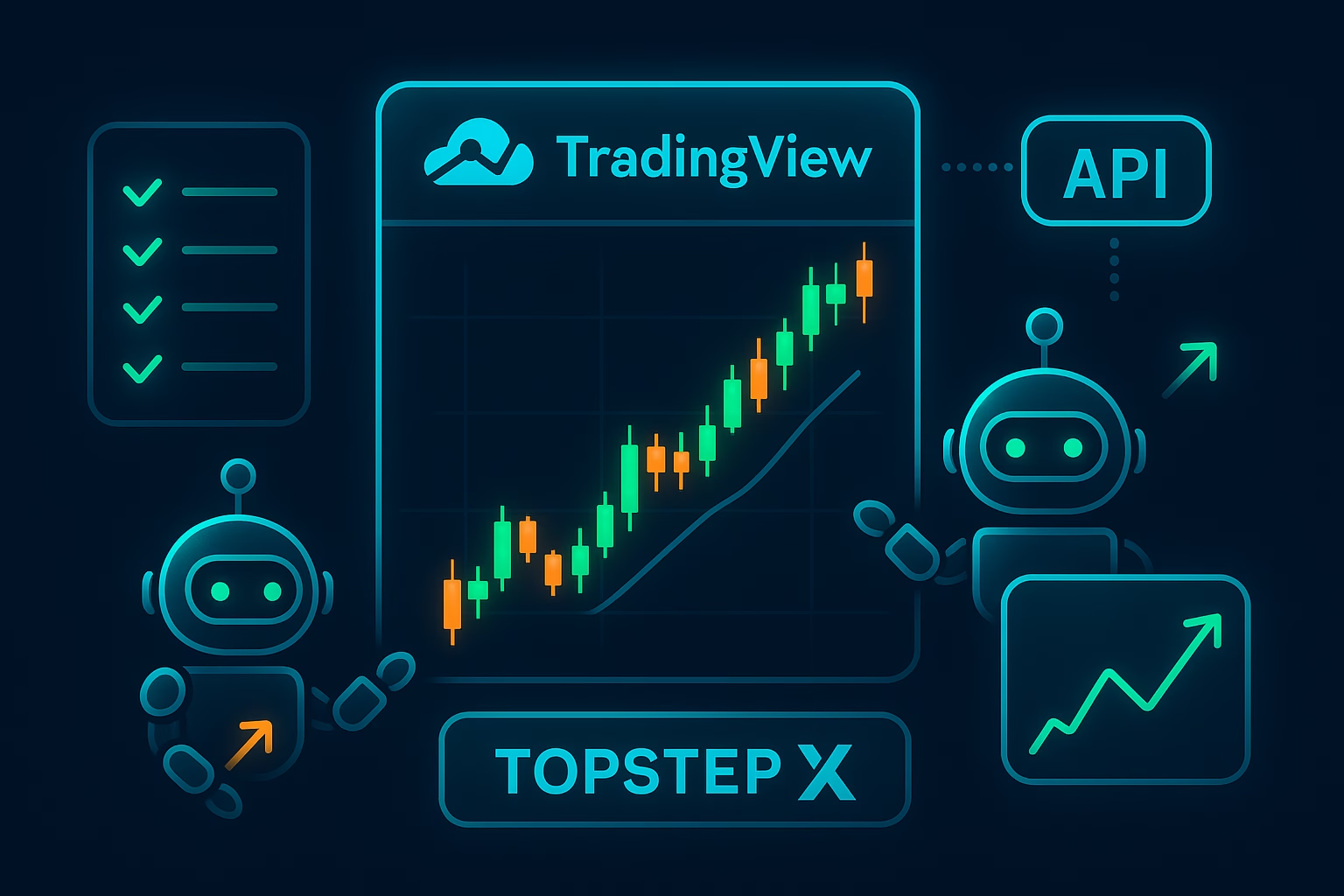
In the fast-paced world of futures trading, staying ahead means leveraging cutting-edge tools like ProjectX. As of December 2025, this web-based platform—powered by TradingView charts and real-time CME data—has become the go-to for prop traders seeking precision and speed. With recent shifts, including its exclusivity to Topstep via TopstepX starting March 2026, mastering the ProjectX setup guide is essential for seamless transitions. Whether you’re a beginner or scaling funded accounts, this updated ProjectX automation checklist covers everything from initial configuration to integrating automation like PickMyTrade for hands-free execution.
This 2025 guide draws on the latest platform enhancements, such as enhanced API access for bots and auto-liquidation features, to help you trade smarter. Let’s dive in and build your edge.
Why Choose ProjectX in 2025? Key Updates and Benefits
ProjectX isn’t just a trading terminal—it’s a prop firm powerhouse, now exclusively powering TopstepX after revoking third-party licenses in late 2025. Launched with DayTraders.com in June 2025, it boasts 50ms data refreshes, unfiltered depth-of-market views, and built-in risk controls like daily loss limits and profit auto-flattening. Traders report 8% higher pass rates on evaluations compared to legacy platforms like Tradovate.
Recent 2025 updates include:
- API Enhancements: RESTful endpoints for Python, Java, and WebSocket integrations, enabling custom bots and TradingView alerts.
- Mobile Optimization: Native browser support for on-the-go trading without apps.
- Exclusivity Shift: From March 1, 2026, ProjectX is Topstep-only, phasing out for firms like TradeDay and Lucid Trading.
For prop traders, these mean lower latency (under 50ms) and wholesale CME data at $4.50 per bundle—half the industry average. If you’re eyeing TopstepX, this ProjectX setup guide ensures you’re ready for funded accounts with 100% day-trade splits.
Step-by-Step ProjectX Setup Guide for Beginners
Getting started with ProjectX is straightforward, especially via TopstepX integration. Follow this ProjectX setup guide to launch in under 10 minutes.
1. Account Creation and Login
- Visit projectx.com or Topstep’s dashboard for TopstepX access.
- Sign up with your prop firm credentials (e.g., Topstep Combine subscription). Retail standalone is coming soon.
- Enable two-factor authentication for security—mandatory for API use.
2. Platform Customization
- Log in and select your data feed: Choose CME wholesale for real-time, 100-level depth.
- Integrate TradingView: Access 300+ indicators and multi-asset charts directly.
- Set risk parameters: Configure daily loss limits ($1,000 default for $50K accounts) and auto-lockouts.
Pro Tip: For TopstepX users, new 2025 rules require $150+ winning days for payout eligibility—test in sim mode first.
3. Connection to Brokers and Data
- Link to partners like Plus500 or CTS for execution.
- Subscribe to API access ($29/month via dashboard) for automation—unlocks developer docs and WebSocket streams.
With setup complete, you’re primed for live trading. Over 82% of new Topstep registrants in 2025 chose TopstepX for its seamless flow.
TopstepX Setup: Integrating ProjectX for Funded Trading
TopstepX, built on ProjectX, is now the exclusive platform for new Combines since July 2025. This TopstepX setup guide focuses on prop-specific tweaks for evaluations and funded accounts.
Quick TopstepX Onboarding
- Dashboard Access: From Topstep.com, select TopstepX—includes Tilt Indicator for real-time trader sentiment (refreshes every 10 seconds).
- Chart Configuration: Pop out windows for multi-monitor setups. Lower data speed to “medium” if lagging on slower devices.
- Risk Rules Alignment: Auto-enforce Topstep’s $3,000 max drawdown and no overnight holds. 2025 update: Micro Bitcoin (MBT) added for crypto exposure.
Advanced TopstepX Features
- Copy Trading: Built-in mirroring of funded traders—ideal for learning without risk.
- News Integration: High-impact events auto-plot on charts.
- Payout Prep: Track consistency with performance stats; aim for 5 winning days over $150.
Resets are TopstepX-only post-August 2025, boosting pass rates by 86%. Pair with ProjectX’s DOM for ladder-based entries.
Click here to start Futures Trading Automation For Free
ProjectX Automation Checklist: Streamline Your Trades
Automation is the 2025 game-changer, reducing emotional errors by 70% per trader feedback. This ProjectX automation checklist ensures compliance while scaling strategies.
| Step | Action | Tools/Notes |
|---|---|---|
| 1. Enable API | Subscribe via dashboard; generate keys for REST/WebSocket. | Compatible with Python SDK; secure like passwords. |
| 2. Set Risk Brackets | Configure SL/TP in dollars (e.g., $200 loss cap). | Auto-trailing stops adjust dynamically. |
| 3. Test in Demo | Run paper trades for 1 week; monitor fills. | Use unfiltered data to simulate live volatility. |
| 4. Integrate Alerts | Link TradingView for indicator triggers. | Avoid duplicates with cooldown filters. |
| 5. Monitor Logs | Review executions daily for compliance. | Prop firms like Topstep require no HFT scalping. |
| 6. Scale Accounts | Multi-account support for $50K+ funding. | Position sizing via multipliers. |
Follow this for 24/7 execution—essential for swing trades on ES or NQ futures.
Integrating PickMyTrade for Advanced ProjectX Automation
Elevate your setup with PickMyTrade, the no-code bridge for TradingView-to-ProjectX automation. In 2025, it supports TopstepX and firms like TickTickTrader, converting alerts to bracket orders with SL/TP.
PickMyTrade Setup with ProjectX
- Connect Accounts: In PickMyTrade dashboard, add ProjectX credentials (username/API key). Verify for TopstepX.
- Build Alerts: Use the generator for JSON payloads—specify symbol, qty, action (buy/sell), SL/TP.
- TradingView Link: Paste webhook into alerts; trigger on indicators like RSI crossovers.
- Go Live: Demo test first, then scale with risk multipliers. Handles multi-account routing.
Benefits: Sub-second execution, auto-compounding, and policy checks for props. Traders using PickMyTrade report 40% faster evaluations. For TopstepX, it ensures $150 winning days without manual intervention.
Common Pitfalls in ProjectX and TopstepX Setup
Avoid these 2025 traps:
- Overlooking Exclusivity: Non-Topstep users lose access March 2026—migrate now.
- Data Overload: High-speed feeds cause lag; start on “slow.”
- Automation Gaps: Skip firm approval (e.g., Topstep bans VPS)—risk breaches.
- No Backtesting: Always validate strategies in sim before live.
Stay compliant, and you’ll unlock up to $10K monthly payouts.
FAQs: Most Asked Questions on ProjectX Setup and Automation
ProjectX went exclusive to TopstepX in November 2025, with API upgrades for bots and mobile enhancements. Retail access launches Q1 2026.
Use PickMyTrade: Connect API, generate TradingView alerts, and execute with built-in SL/TP. Demo first for compliance.
Until February 2026 for legacy firms; post-March, it’s TopstepX-only.
Built-in TradingView, copy trading, and Tilt sentiment tool; 86% higher pass rates.
Disclaimer:
This content is for informational purposes only and does not constitute financial, investment, or trading advice. Trading and investing in financial markets involve risk, and it is possible to lose some or all of your capital. Always perform your own research and consult with a licensed financial advisor before making any trading decisions. The mention of any proprietary trading firms, brokers, does not constitute an endorsement or partnership. Ensure you understand all terms, conditions, and compliance requirements of the firms and platforms you use.
Also Checkout: Generate Trading Code: Automate Profits with APIs in 2025