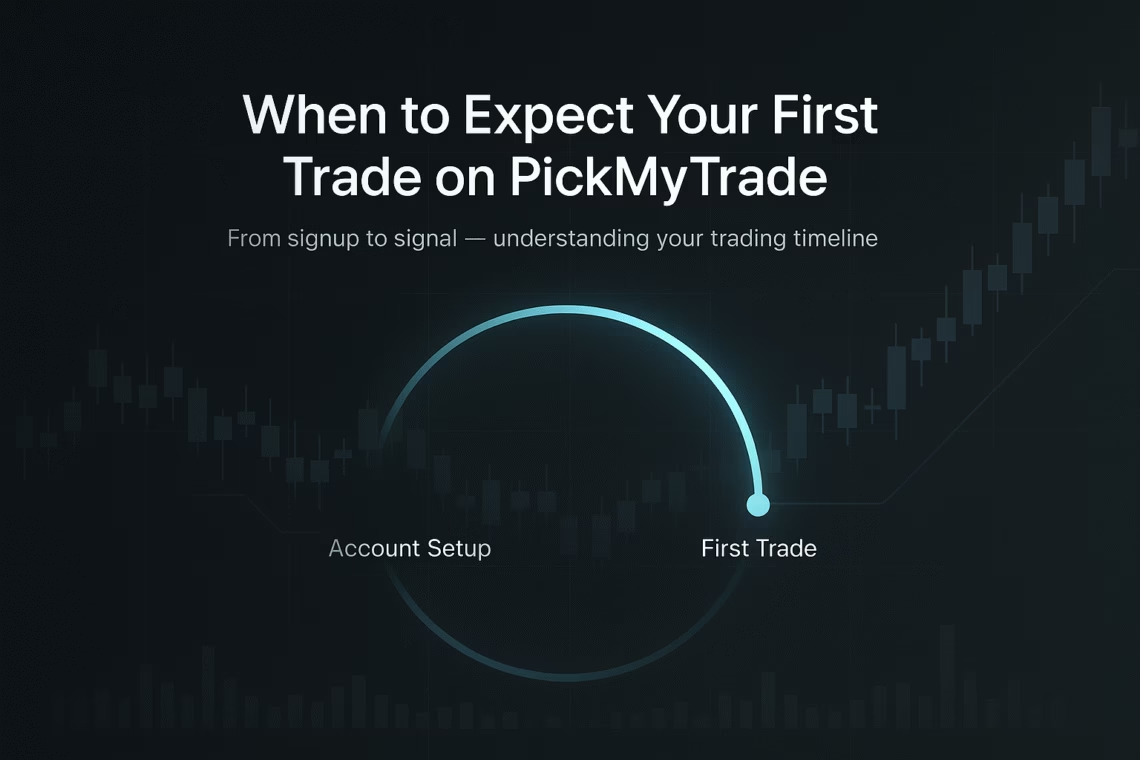
When new users join the platform, a common question is: “When will I get my PickMyTrade first trade?” Understanding the timing, setup requirements, and market factors that influence your first alert can help you set clear expectations and get off to a strong start. This guide walks you through exactly what affects the arrival of your first trade alert and how to make it happen as quickly as possible.
The Short Version
Typically, you’ll get your debut trade suggestion 24 to 48 hours after wrapping up your PickMyTrade profile. That said, the precise wait time hinges on things like current market vibes, your chosen strategies, and the depth of your account customization.
Key Influences on Your Debut Trade Arrival
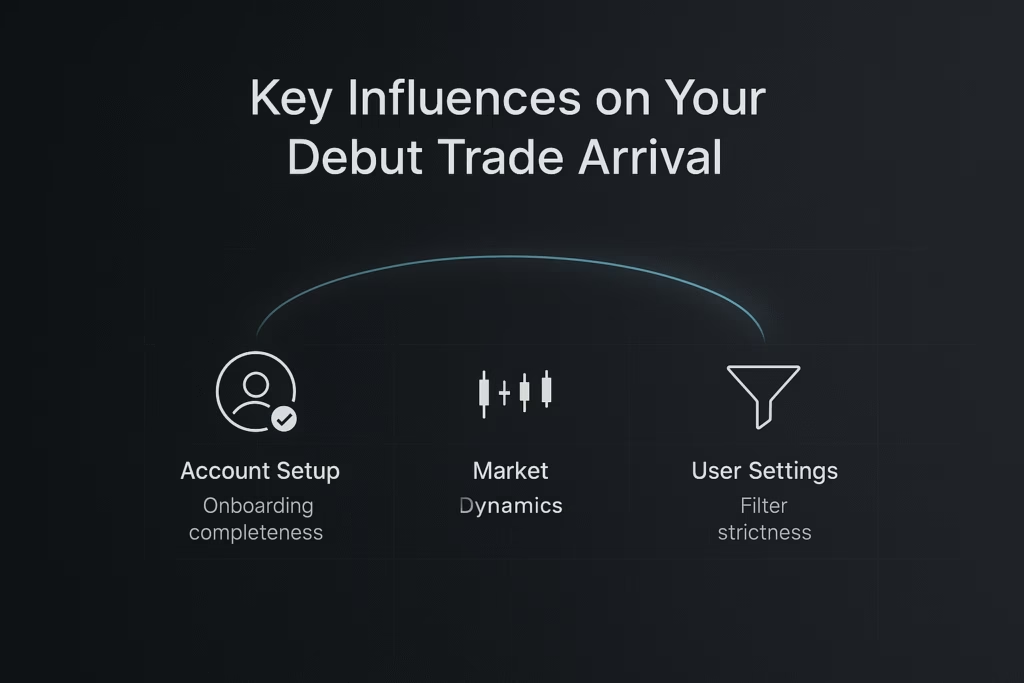
Several elements can speed up or slow down that first ping. Here’s a breakdown:
1. Finishing Your Account Basics
The biggest accelerator is nailing your onboarding. PickMyTrade relies on key details to pair you with fitting deals:
- Your style and limits: Risk level, objectives, and approach to trades
- Focus areas: Sectors, investments, or stocks you’re eyeing
- Confirmation steps: Linking and validating your profile
- Alert methods: Email, text, or in-app updates
Quick hack: Folks who fill out every detail upfront often snag their first alert twice as fast as those who breeze through the basics.
2. Current Market Dynamics
The platform crunches live data to spot prime moments. When your first hit lands depends on the algorithm spotting a good fit:
- Trading windows: Alerts spike during standard U.S. sessions (9:30 a.m. to 4 p.m. ET)
- Swings in the market: More action in choppy times means quicker finds
- Big news cycles: Earnings reports or economic drops can ramp up options
3. How Picky Your Settings Are
Tight filters might stretch the wait. To jumpstart things, try:
- Looser starting points: Tweak them post a couple of experiences
- Varied investments: Mix in ETFs, stocks, or options for more chances
- Balanced risks: Ultra-safe or high-stakes picks can narrow the pool early on
Your Essential PickMyTrade Launch List
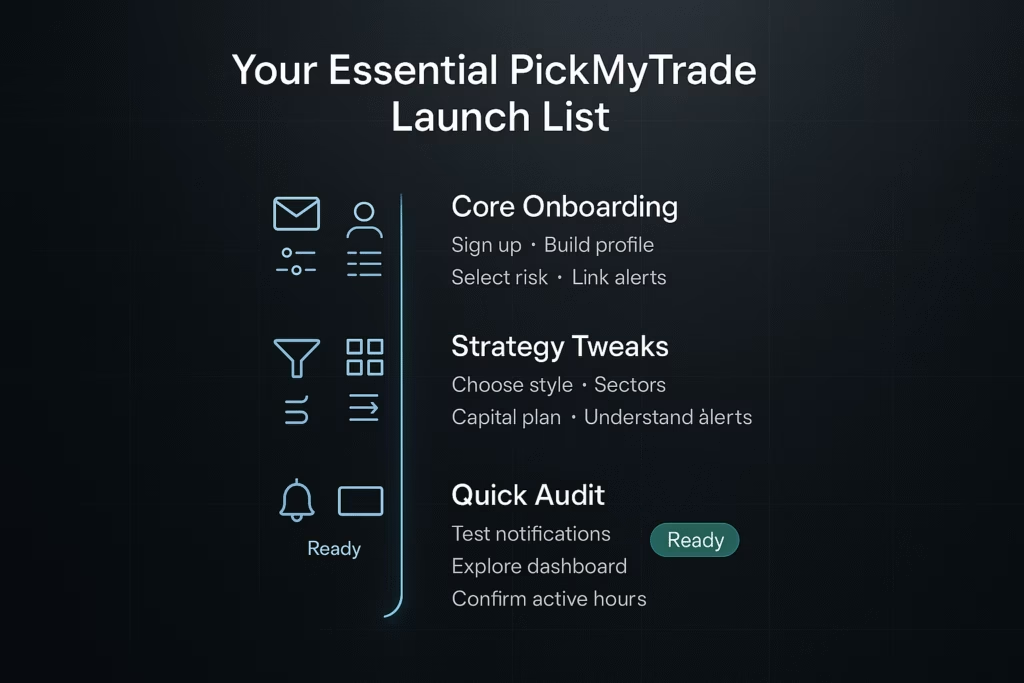
To prime yourself for that first alert, tick off these must-dos:
Phase 1: Core Onboarding (5-10 mins)
- Sign up and confirm your email
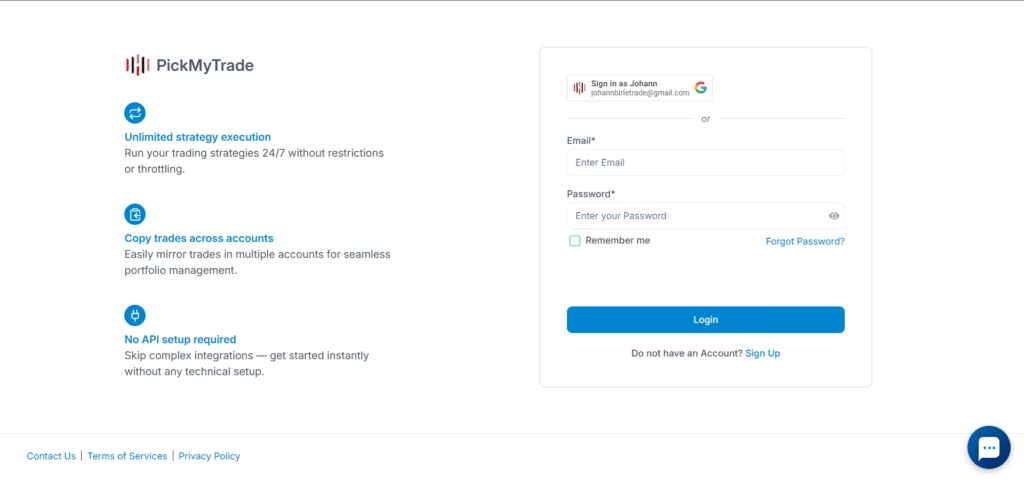
- Build out your personal info
- Pick your risk profile and goals
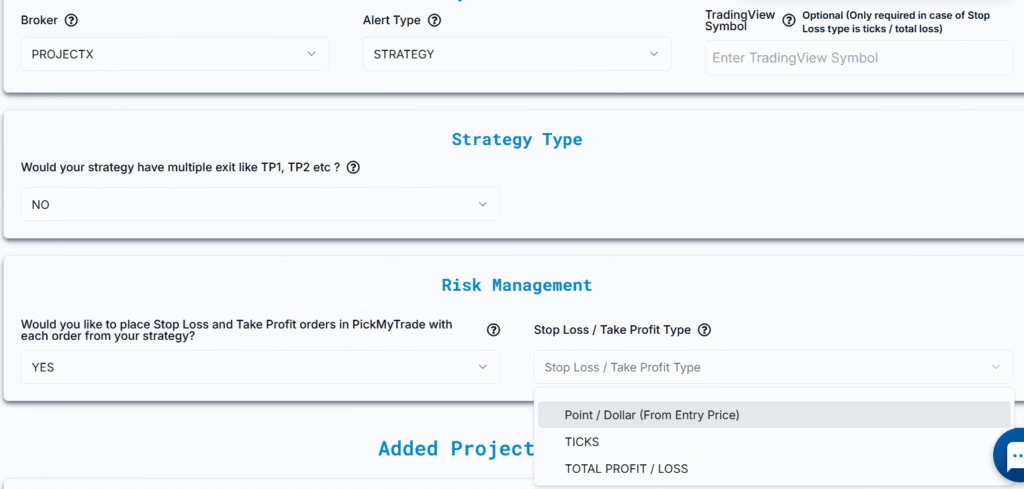
- Link your preferred alert channels
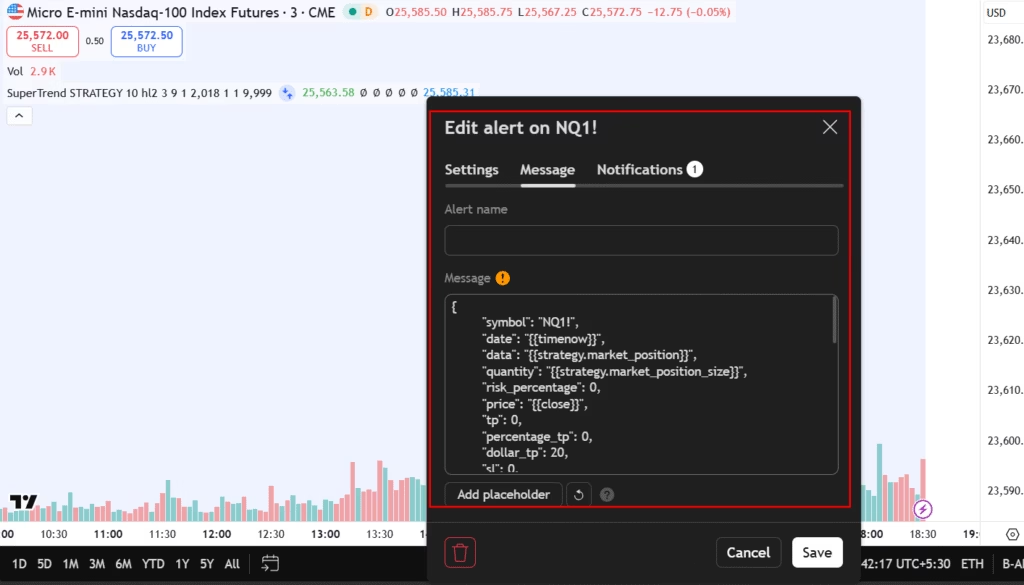
Phase 2: Strategy Tweaks (10-15 mins)
- Choose your vibe (quick flips, holds, or buys-and-holds)
- Pinpoint sectors and assets
- Outline how much cash you’re deploying
- Get comfy with alert breakdowns
Phase 3: Quick Audit (5 mins)
- Test your notifications
- Poke around the main screen
- Confirm your active hours
- Double-check for “Ready to Roll” status
Post-Setup: The Waiting Game
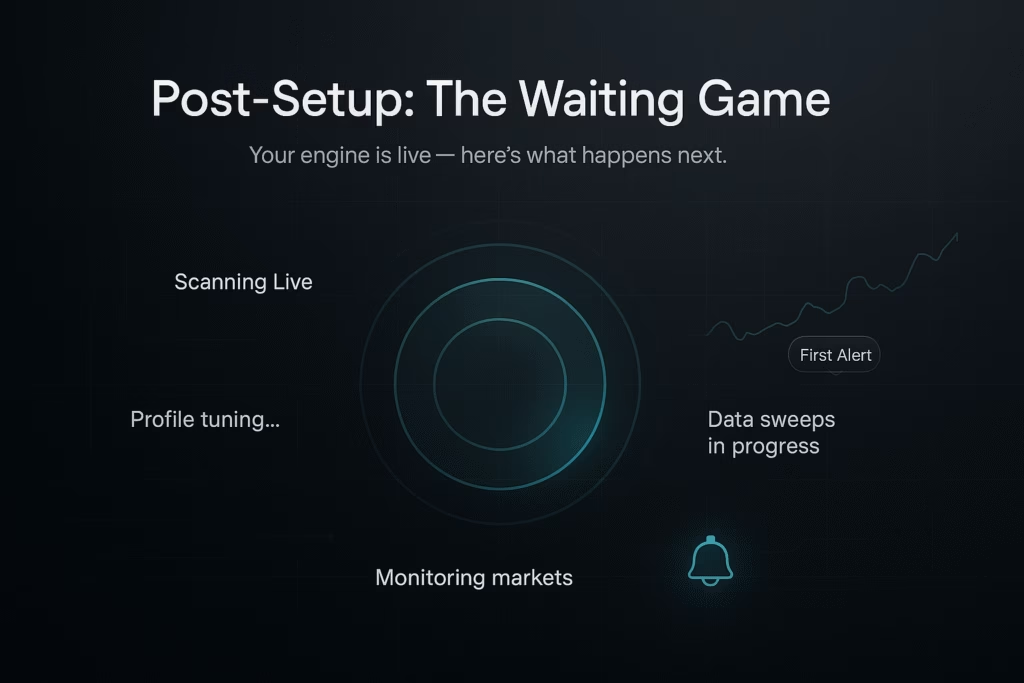
With setup done, the engine kicks in and begins scanning markets based on your preferences. Your system status will show “Scanning Live” while PickMyTrade evaluates opportunities that fit your profile.
Monitoring & Managing Trades (Important After Setup)
If your first trade doesn’t execute as expected or if you want to double-check alerts and execution logs PickMyTrade provides dedicated tools for monitoring your activity. You can review:
- Trade logs to confirm executed and historical orders
- Alert logs to verify alerts received and their processing status
- Execution details to diagnose delays or missed triggers
If you need to troubleshoot a missing trade or verify whether an alert flowed correctly, refer to the official guide:
Monitoring and Managing Trades
Click here to open the full troubleshooting and monitoring guide.
This guide walks you through checking TradingView logs, reviewing PickMyTrade logs, and understanding what to do if an alert appears in TradingView but not inside your PickMyTrade dashboard.
In the Opening 24 Hours
Once the system is actively scanning, here’s what you can expect within the first day:
- Profile tuning performed by the system
- Continuous data sweeps matching your settings
- A getting-started email
- “Scanning Live” displayed on your dashboard
That Initial Alert
When the engine identifies a setup that aligns with your criteria, you’ll receive your first alert. Each alert typically includes:
- Entry price and suggested sizing
- A brief explanation of why it fits, with chart insights
- Risk management details like exits and targets
- A short action window
Beyond the Breakthrough
After your first alert, follow-ups tend to become more consistent as PickMyTrade learns your preferences. Most users receive 2–5 ideas per week, depending on market conditions and their strategy settings.
Hacks to Accelerate Your Launch
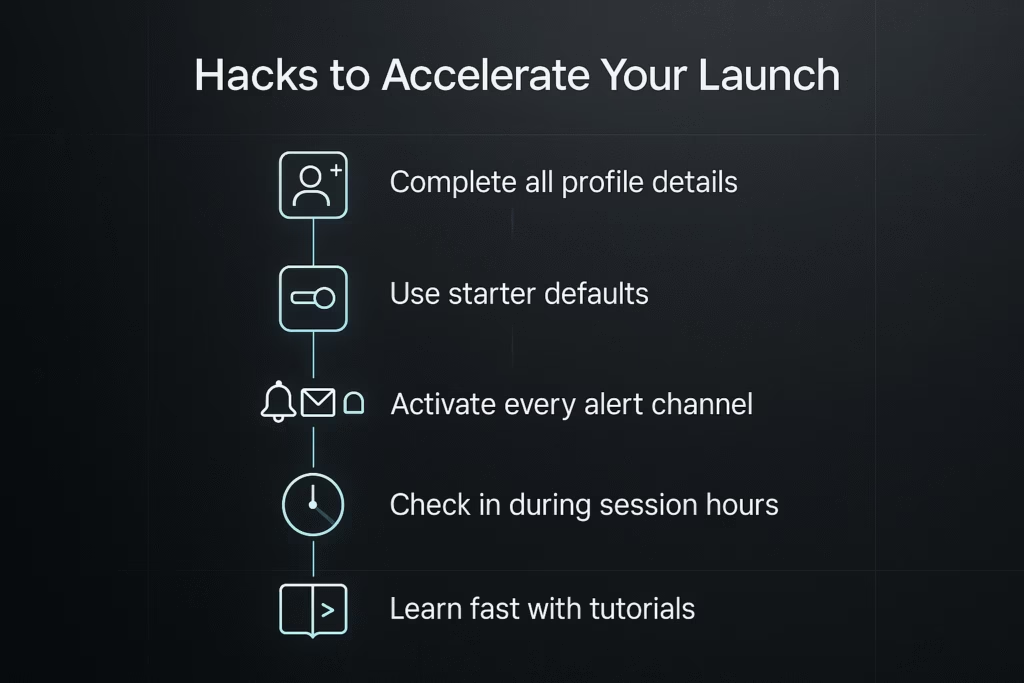
- Go All-In on Profile Details: Extras sharpen the matches.
- Roll with Starter Defaults: They’re tuned for newbie balance.
- Activate Every Alert Path: Multi-channel setup catches everything at first.
- Tune In During Peak Times: Early wins cluster in session hours.
- Dive into Tutorials: Grasping the logic lets you fine-tune smarter.
Frequent Newbie Queries
No Alert After Two Days? Scan your status and setup. If all green, markets might just need a sec for a perfect align. Loosen criteria if needed.
Tweak Post-Debut? Yep—evolve after a few to dial it in.
Mandatory Executes? Nah, these are suggestions; you call the shots.
Snoozed an Alert? Windows close quick—diversify channels and stay glued to hours to dodge FOMO.
Building a Winning Routine
Your entry trade is merely the opener. Nail it by:
- Keeping cool: It’s about smart picks, not floods
- Staying sharp: Prep meets opportunity
- Scaling light: Focus on system savvy and ease-in
- Logging wins/losses: Refine what clicks for you
Time to Dive In?
If setup’s pending, hop to it—the faster the config, the quicker the alerts. Surprises abound when you invest the upfront effort.
Quality setups mean quicker surprises. Hit that checklist, chill through the kickoff wait, and gear up for tailored wins.
Pro tip: The ideal signup moment? Right before the market’s next gem. Head to PickMyTrade, lock in your prefs, and unleash the bot on your behalf.
You may also like:
Complete Guide to Automated Futures Trading Systems with PickMyTrade
Best Automated Trading Bots 2025: PickMyTrade vs Competition
Auto Trading Bots: Enhance Your Trading Strategy
Top Free Indicators and Strategies on TradingView