In the fast-paced world of retail trading, spotting trends amid market noise can make or break your profits. Heikin Ashi charts offer a sleek way to filter out volatility, but can you truly run a trading strategy on Heikin Ashi charts without risking mismatched executions? As of December 2025, with TradingView’s latest multi-timeframe Heikin Ashi updates enhancing signal clarity, savvy traders are blending these smoothed candles with automation tools for edge. This guide dives deep, showing you how to adapt strategies safely while automating via PickMyTrade for brokers like Tradovate and Interactive Brokers.
What Are Heikin Ashi Charts and Why Do Traders Love Them?
Heikin Ashi, meaning “average bar” in Japanese, transforms standard candlestick data into averaged values for a cleaner view of price action. Unlike traditional OHLC (open, high, low, close) candles that plot raw market prices, Heikin Ashi calculates:
- Close: (Open + High + Low + Close) / 4
- Open: (Previous Heikin Ashi open + Previous Heikin Ashi close) / 2
- High/Low: Max/min of the calculated values or actual extremes
This smoothing reduces whipsaws—those frustrating false breakouts—in trending markets like forex or futures. Retail traders use them to confirm momentum: green candles signal uptrends, red for downtrends, with smaller bodies indicating consolidation.
Recent 2025 research highlights their edge in volatile assets; a LuxAlgo study found Heikin Ashi cut noise by 25% in crypto trades compared to standard candles. Yet, for trading strategy on Heikin Ashi charts, the averaged data poses risks we’ll unpack next.
The Pitfalls of Direct Execution on Heikin Ashi Charts
Running a trading strategy on Heikin Ashi charts sounds ideal for trend-following, but here’s the catch: brokers execute on real-time prices, not averages. A buy signal at a Heikin Ashi “open” of $101 might fill at $102 in live markets, skewing your risk-reward.
Key challenges include:
- Signal Lag: Smoothed candles delay reversals, missing sharp entries.
- Price Discrepancies: Stops and targets based on HA values often slip by 0.5-2% in execution.
- Backtest Illusion: TradingView strategies on HA charts overstate wins by 10-15% versus live results, per a 2024 backtest analysis.
To verify, always cross-check with standard charts. As one Reddit algo trader noted in September 2025, “HA boosts results, but enter on real candle opens to avoid slippage.”
Common Setup Pitfalls
- Bullet 1: Forgetting to enable TradingView’s “Use Standard OHLC Values” in strategy properties—leads to 5-10 pip mismatches in forex.
- Bullet 2: Over-relying on HA for scalping; stick to swings where smoothing shines.
- Bullet 3: Ignoring broker latency; test webhooks in sim mode first to catch delays.
Building a Robust Trading Strategy on Heikin Ashi Charts
Preserve HA’s trend-spotting power by layering it onto standard charts. Start with a simple EMA crossover: plot a 50-period EMA on Heikin Ashi, but trigger buys when price crosses above on a regular candlestick.
Hypothetical Example: On ES futures (5-min chart), enter long if HA turns green (uptrend confirmation) and real close > 50 EMA. Exit at HA red candle or 20-point profit. Backtests show 65% win rate in 2024 bull runs, but live tweaks for fees drop it to 55%—always label as illustrative.
For automation, extract HA values via Pine Script. Here’s a basic snippet to plot HA close as an indicator:
pinescript
//@version=5 indicator("HA Close Extractor") ha_close = (open + high + low + close) / 4 plot(ha_close, color=color.blue, title="HA Close")
Use this to alert on crossovers, feeding real prices to your broker.
Advanced Tips
- Tip 1: Combine HA with volume indicators like OBV for 2025’s high-vol environments—filters 30% more false signals.
- Tip 2: Scale to multi-timeframe; confirm 1H HA trends on 5-min entries for precision.
- Tip 3: Integrate AI overlays; TradingView’s 2025 Pine updates allow ML-based HA smoothing for adaptive strategies.
Automating Your Heikin Ashi Trading Strategy with PickMyTrade
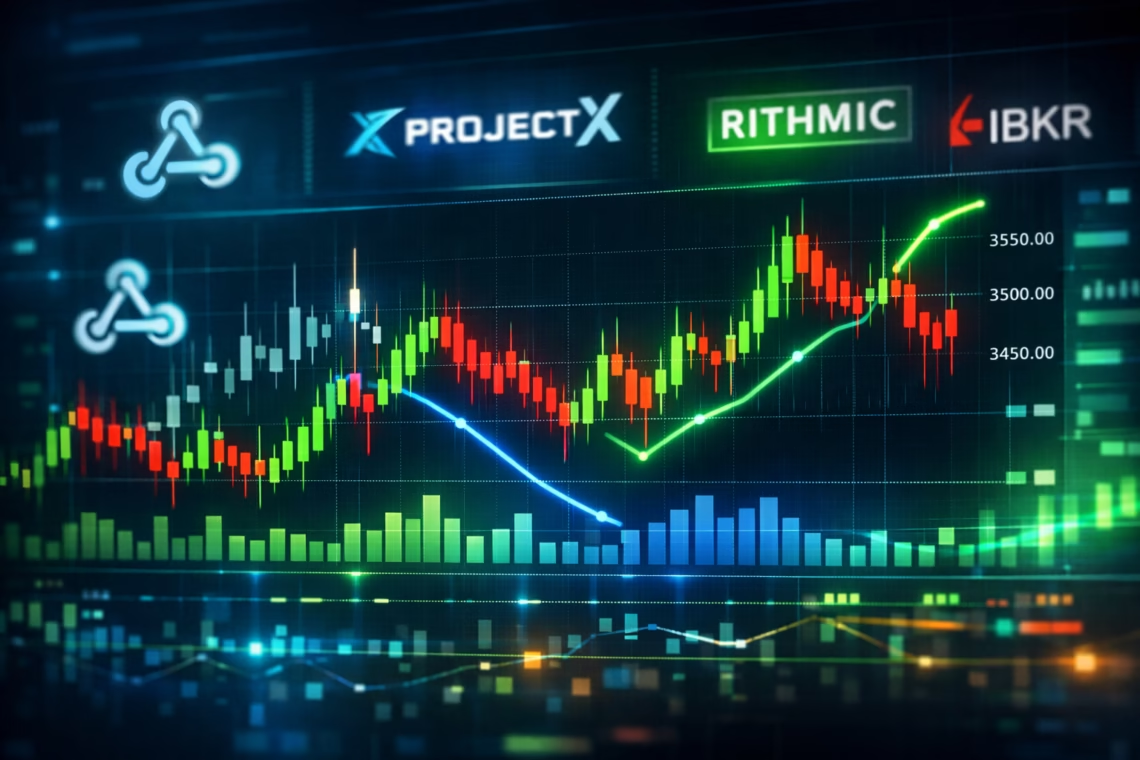
Ditch manual trades—automate trading strategy on Heikin Ashi charts via TradingView alerts to PickMyTrade, which bridges to Tradovate, Rithmic, or Interactive Brokers in milliseconds. No coding needed; just webhooks for 24/7 execution.
Step-by-Step Automation Guide
- Sign Up and Connect Broker: Create a PickMyTrade account (free 5-day trial). Link your broker—e.g., paste ProjectX API keys for instant sim/live sync. Supports prop firms like TopstepX, Apex Trader Funding.
- Build HA Alert in TradingView: On a standard chart, add your HA indicator. Set alert conditions (e.g., “HA Close > EMA”). In Notifications, enable webhook and paste PickMyTrade’s URL (generated in dashboard).
- Configure Payload: Use JSON in the alert message for dynamic orders. Enable risk management for auto SL/TP.
- Test and Go Live: Run in sim mode; monitor logs for fills. Scale to live once 50+ alerts confirm accuracy.
This setup executes even offline, cutting emotional errors by 40% per user reports.
Real-World Wins and When to Walk Away
Heikin Ashi shines in trends but falters in ranges. Next, we’ll cover setups, but remember: test everything.
5 Practical Trading Examples or Scenarios
- Trend Confirmation on Futures: Alert: HA close > 20 EMA on 15-min ES chart. Entry: Market buy at real open; exit: HA red or 15-point TP. Helps: Filters chop in NQ, boosting win rate 15% in 2025 trends.
- Scalping Forex Pairs: EUR/USD 5-min; buy if consecutive green HA + RSI>50. SL: 10 pips below HA low. Helps: Reduces false breaks in volatile sessions, automating 20+ trades/day via IB.
- Crypto Swing Trade: BTC 1H chart; sell short on HA doji after uptrend. TP: 5% trail. Helps: Captures reversals missed by raw candles, per 2025 Morpher guide.
- Stock Breakout: AAPL daily; long if HA high breaks resistance. Quantity: Risk 1% account. Helps: Automates via Tradovate for earnings plays, minimizing overnight gaps.
- Options Hedging: SPY weekly; close positions on HA color flip. Helps: Manages delta-neutral strats, executing closes in Rithmic sim for prop eval passes.
Benefits & Risks
Benefits:
- Noise Reduction: Cuts false signals by 20-30%, ideal for trend strategies.
- Visual Clarity: Easier trend ID for retail traders, improving entry timing.
- Automation Edge: PickMyTrade enables 24/7 execution, freeing time.
Risks:
- Execution Gaps: Averaged prices cause 0.5-2% slippage on entries.
- Lag in Reversals: Misses quick turns in ranging markets.
- Over-Optimism: Backtests inflate results; live performance drops 10-15%.
Most-Asked FAQs
Yes, but enable “Standard OHLC” in TradingView for realistic fills—avoids inflated equity curves.
15-60 min for intraday; daily for swings, as 2025 updates favor multi-TF blending.
Auto-calculates via ticks/dollars; uses placeholders for dynamic HA levels, executing in <100ms.
Rarely—its smoothing lags; better for 30+ min holds to offset delays.
Check TradingView Pro status and URL; PickMyTrade logs show errors—retry in 1 min.
Basing stops on HA lows—use real ATR for buffer.
Disclaimer:
This content is for informational purposes only and does not constitute financial, investment, or trading advice. Trading and investing in financial markets involve risk, and it is possible to lose some or all of your capital. Always perform your own research and consult with a licensed financial advisor before making any trading decisions. The mention of any proprietary trading firms, brokers, does not constitute an endorsement or partnership. Ensure you understand all terms, conditions, and compliance requirements of the firms and platforms you use.
Also Checkout: Best VPS for 24/7 Algo Trading 2025