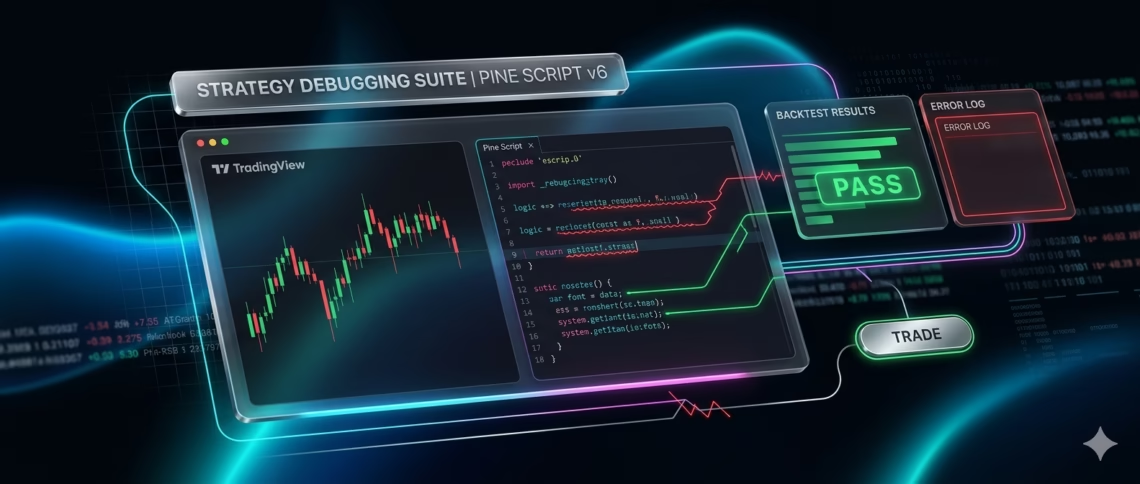
In the fast-paced world of algorithmic trading, Debugging TradingView Strategies can make or break your profitability. Pine Script, TradingView’s powerful scripting language, lets traders build custom indicators and strategies—but even small errors lead to false signals, failed backtests, or costly live losses.
With Pine Script v6 now standard (released late 2024 and refined through 2025–2026 updates like improved line wrapping and request.footprint() for order-flow data), many older scripts break unexpectedly. This updated 2026 guide uncovers the 10 most common Pine Script mistakes that derail strategies. You’ll learn exactly how to spot them, fix them fast, and turn your TradingView strategies into reliable, high-performance tools.
Whether you’re a beginner or seasoned coder, mastering Debugging TradingView Strategies saves hours of frustration and boosts your edge.
Why Effective Debugging TradingView Strategies Matters in 2026
TradingView strategies now run on stricter v6 type rules, real-time footprint data, and multi-timeframe logic. One overlooked mistake—like a repainting signal or scope error—can invalidate months of backtesting.
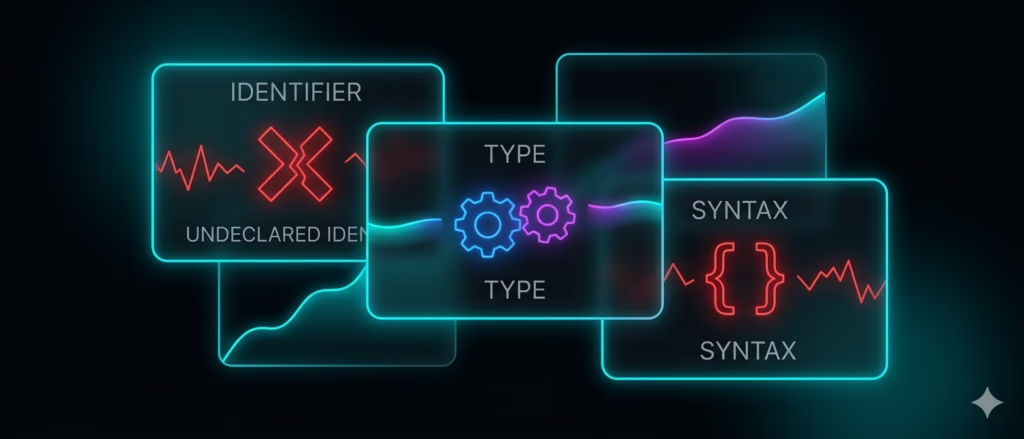
Professional traders know: clean code = trustworthy alerts. And once debugged, seamless automation turns those alerts into live trades. That’s where tools like PickMyTrade shine—automating your fixed strategies for futures trading on US markets (ES, NQ, YM, RTY, and more) via Tradovate or similar brokers, 24/7, with zero manual intervention.
Let’s dive into the top 10 mistakes and their fixes.
1. Undeclared Identifier Errors
The #1 error in Pine Script: “Undeclared identifier ‘X’.” You reference a variable that doesn’t exist or is misspelled.
Fix: Double-check spelling and declare variables properly. Use the editor’s autocomplete. Pro tip: Only close, open, high, low, and volume are built-ins—everything else needs declaration.
2. Type Mismatches in Function Calls
Passing the wrong data type (e.g., series[int] where float is expected) triggers “Cannot call ‘X’ with arguments of type ‘Y’.”
Fix: Hover over functions in the Pine Editor for exact signatures. Use explicit casting like float() or int() when needed. v6’s stricter typing makes this error more common but easier to catch early.
3. Syntax and Indentation Issues (Especially Post-2025 Updates)
Mismatched brackets, missing commas, or wrong indentation still trip up scripts. The December 2025 update relaxed line-wrapping rules inside parentheses, but old habits die hard.
Fix: Use consistent 4-space indentation. Copy-paste carefully and rely on the editor’s real-time highlighting. Test small changes incrementally.
4. Loops That Exceed Execution Time Limits
Custom for loops running too long trigger “Loop is too long (~500 ms).”
Fix: Replace loops with optimized built-ins like ta.highest(), ta.sma(), or math.sum(). Reserve loops for rare cases and keep them under 500 ms per bar.
5. Repainting Indicators from Future Leak
Your strategy looks perfect in backtests but fails live because request.security() with lookahead=barmerge.lookahead_on or bar-index tricks peek into future data.
Fix: Always use lookahead=barmerge.lookahead_off (default in v6). Test on realtime bars only. Add barstate.isrealtime checks for confirmation.
Click Here To Automate Futures Trading
6. Forgetting the ‘var’ Keyword for Persistent Variables
Variables reset every bar unless declared with var. This breaks counters, stop-loss trackers, and session logic.
Fix: Use var for values that should persist across bars (e.g., var float entryPrice = na). Common in strategy development.
7. Ignoring NA Values in Early Bars
Calculations on the first few bars return na, crashing conditions or plots.
Fix: Always wrap with na() checks: if not na(rsi) and rsi > 70. Use nz() to replace na with zero when safe.
8. Flawed Strategy Entry/Exit Logic on the Same Bar
Entries and exits firing on the same candle create unrealistic results or missed trades.
Fix: Check strategy.position_size before new orders. Use strategy.exit() with proper pyramiding limits. Test with strategy(…, calc_on_order_fills=true).
9. Performance Drag from Redundant Calculations or Excess security() Calls
Too many request.security() calls or repeated computations slow scripts to a crawl.
Fix: Store results in variables. Combine multiple security calls into one. Limit calc_on_every_tick to true only when essential (crypto/forex); keep it false for futures.
10. Backward Compatibility Breaks After Pine v6 Updates
Scripts that worked in v5 suddenly throw runtime errors due to 2025–2026 changes (stricter types, new footprint functions, etc.).
Fix: Explicitly declare //@version=6. Review release notes for breaking changes. Re-test on historical + realtime data.
Beyond Debugging TradingView Strategies: Automate for Real Results
Once your Pine Script is clean and error-free, the real power comes from execution. Enter PickMyTrade—the leading platform for automating TradingView strategies directly into US futures markets.
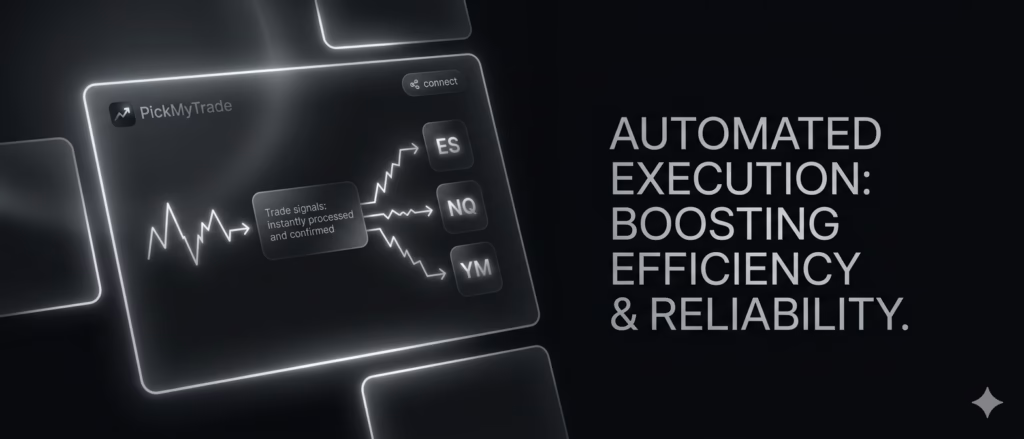
Connect your TradingView alerts once, link to Tradovate (or supported brokers), and let PickMyTrade handle 24/7 execution on contracts like ES and NQ. No WebAPI hassle, no credit card for the trial, and full risk-management tools built-in. Traders using PickMyTrade report flawless automation of debugged strategies, turning backtested ideas into live profits on US markets.
Ready to go live? Your fixed strategies deserve real-market action.
Final Tips for Bulletproof Debugging TradingView Strategies
- Use log.*() functions and label.new() for visual debugging (official TradingView method).
- Test on multiple timeframes and symbols.
- Version-control scripts and backtest rigorously before automating.
- Stay updated—check TradingView’s release notes monthly.
Master these 10 mistakes and Debugging TradingView Strategies becomes second nature. Your edge just got sharper.
Frequently Asked Questions
“Undeclared identifier” still tops the list, followed closely by type mismatches in v6.
Disable lookahead in request.security() and verify signals only on bar close.
Check strategy.position_size, ensure conditions use realtime bars, and confirm alert setup.
Yes—many v5 scripts fail due to stricter rules. Update to //@version=6 and re-test.
Use PickMyTrade to connect alerts to Tradovate for instant, hands-free execution on ES, NQ, and more.
Disclaimer:
This content is for informational purposes only and does not constitute financial, investment, or trading advice. Trading and investing in financial markets involve risk, and it is possible to lose some or all of your capital. Always perform your own research and consult with a licensed financial advisor before making any trading decisions. The mention of any proprietary trading firms, brokers, does not constitute an endorsement or partnership. Ensure you understand all terms, conditions, and compliance requirements of the firms and platforms you use.
Also Checkout: Optimize Trading Costs: Round Trips vs Per-Contract for Scalpers