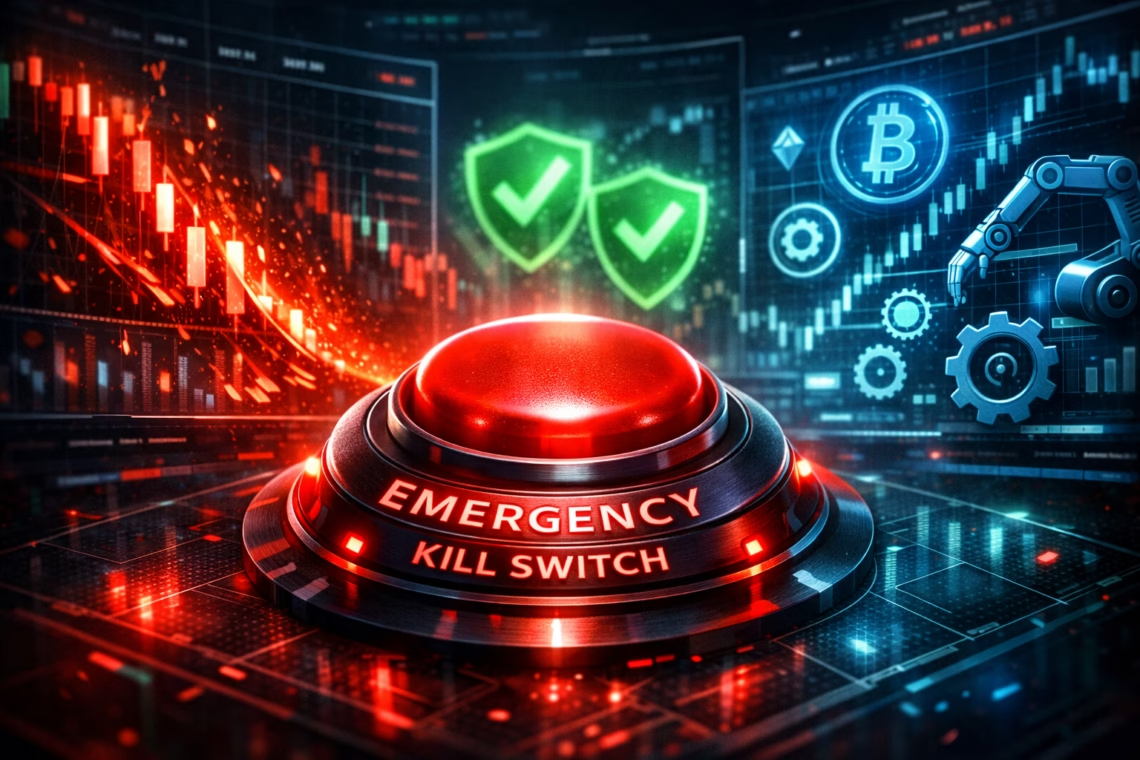
In the fast-paced world of automated trading, a bot kill switch serves as your ultimate emergency brake. As crypto and futures markets grow more volatile in 2026, implementing safety automation like an auto-kill switch is no longer optional—it’s critical to prevent margin blow and protect your capital from catastrophic losses.
Automated trading bots offer 24/7 execution, emotion-free decisions, and scalability. However, without robust safeguards, a single glitch, flash crash, or misconfiguration can wipe out accounts. Recent 2025-2026 insights from platforms like CoinBureau, HyroTrader, and expert analyses emphasize that top bots now prioritize advanced risk controls, including emergency stops, max drawdown limits, and manual overrides.
Why You Need a Bot Kill Switch in 2026
A bot kill switch (also called emergency stop or circuit breaker) automatically halts trading and closes positions when predefined thresholds are breached. This includes:
- Maximum daily/overall loss
- Extreme volatility spikes
- Abnormal market behavior (e.g., flash crashes)
- Technical failures
Without it, bots can amplify losses through over-leveraging or chasing trends. Data from 2025 shows many small accounts blow up due to poor risk alignment, with leverage and missing stops as top culprits. In crypto, where 65%+ of volume involves automation, a kill switch prevents liquidation cascades.
Platforms like Zerodha offer segment-specific kill switches, while crypto bots (e.g., Hummingbot) include performance-based thresholds. For futures and multi-broker setups, tools focus on position sizing and trailing stops.
Key Features for Safety Automation and Prevent Margin Blow
Modern safety automation in 2026 includes:
- Stop-Loss & Trailing Stops — Dynamically adjust to lock profits.
- Max Drawdown Limits — Pause trading after X% loss.
- Volatility Filters — Halt during extreme swings.
- Manual/Global Kill Switch — One-click emergency shutdown.
- Position Sizing — Risk only 1-2% per trade based on balance.
These features reduce emotional overrides and enforce discipline.
Spotlight on PickMyTrade: Automation with Built-in Safety
PickMyTrade stands out as a leading TradingView automation platform in 2026. It bridges alerts to brokers like Tradovate, Rithmic, Interactive Brokers, and Binance for seamless futures, stocks, forex, and crypto execution.
Key highlights:
- Unlimited strategies, trades, and accounts with no per-trade fees.
- Smart risk tools: auto position sizing, stop-loss/take-profit, trailing stops.
- Global controls for pausing automation or emergency stops.
- Focus on preventing over-leveraging and blown accounts through rule-based safeguards.
PickMyTrade’s advanced safety features, including built-in protections against common automation mistakes, make it ideal for traders seeking reliable safety automation to prevent margin blow.
Click Here to start a Free trial of Trading Automation
How to Implement a Bot Kill Switch (With Python Code Example)
For custom bots, a bot kill switch can monitor metrics in real-time. Here’s a simple Python example using a basic structure (adapt to your exchange API, e.g., ccxt):
Python
import time

# Simulated account state
account_balance = 10000
max_daily_loss = 500  # e.g., 5%
positions = []  # list of open positions

def check_kill_switch():
    current_pnl = calculate_pnl()  # Your PnL function
    if current_pnl <= -max_daily_loss:
        print("Kill switch triggered! Closing all positions.")
        close_all_positions()
        return True
    # Add volatility check, etc.
    return False

def trading_loop():
    global account_balance
    while True:
        if check_kill_switch():
            break  # Exit loop
        # Normal trading logic here
        time.sleep(60)  # Check every minute

# Placeholder functions
def calculate_pnl():
    return -600  # Simulate loss

def close_all_positions():
    print("All positions closed. Trading halted.")

trading_loop()
This monitors PnL and triggers closure. Enhance with API calls for real exchanges, alerts (e.g., email/SMS), and multi-conditions. Best practices: Test thoroughly, use redundancy, and keep human oversight.
Best Practices to Prevent Margin Blow in 2026
- Limit risk to 0.5-2% per trade.
- Use isolated margin for leveraged positions.
- Backtest extensively and paper trade first.
- Monitor bots regularly—automation doesn’t mean “set and forget.”
- Combine with alerts for anomalies.
FAQ: Most Asked Questions on Bot Kill Switch
An automated or manual feature that immediately stops trading and closes positions to prevent excessive losses.
It enforces hard limits on drawdowns, volatility, or losses, avoiding liquidation in leveraged trades.
Yes, especially in volatile markets—experts call it irresponsible to trade without one.
Absolutely—PickMyTrade offers advanced risk tools, position sizing, and global controls to safeguard your account.
Monitor key metrics (PnL, drawdown) in your code and trigger position closures when thresholds hit.
Disclaimer:
This content is for informational purposes only and does not constitute financial, investment, or trading advice. Trading and investing in financial markets involve risk, and it is possible to lose some or all of your capital. Always perform your own research and consult with a licensed financial advisor before making any trading decisions. The mention of any proprietary trading firms, brokers, does not constitute an endorsement or partnership. Ensure you understand all terms, conditions, and compliance requirements of the firms and platforms you use.
Also Checkout: Futures Slippage Prevention Guide