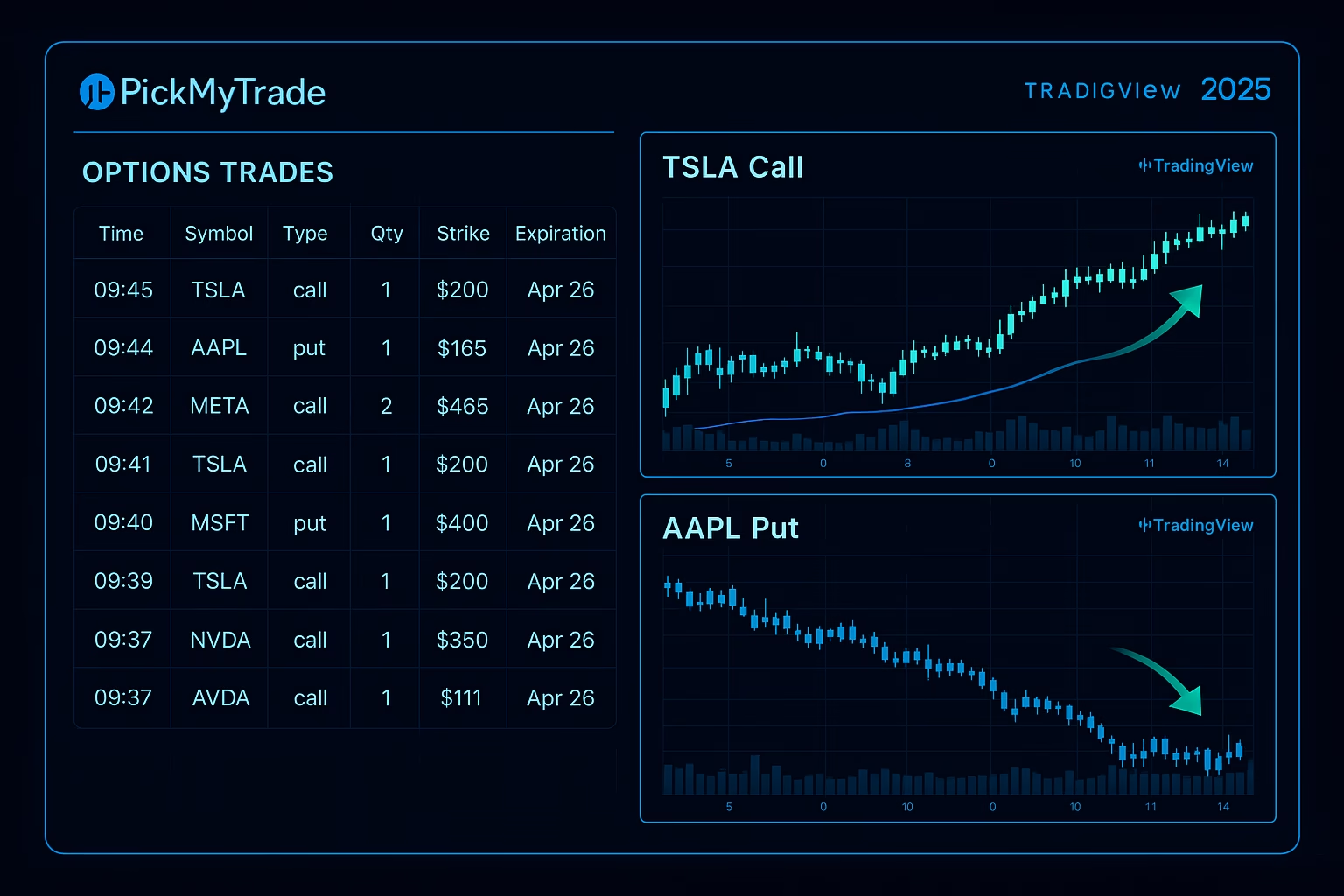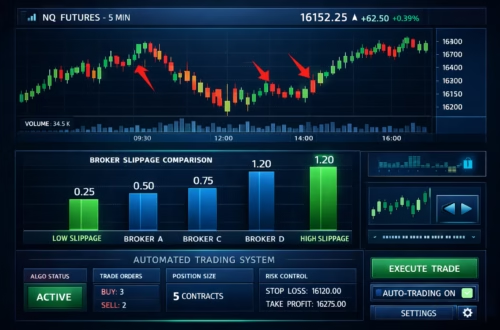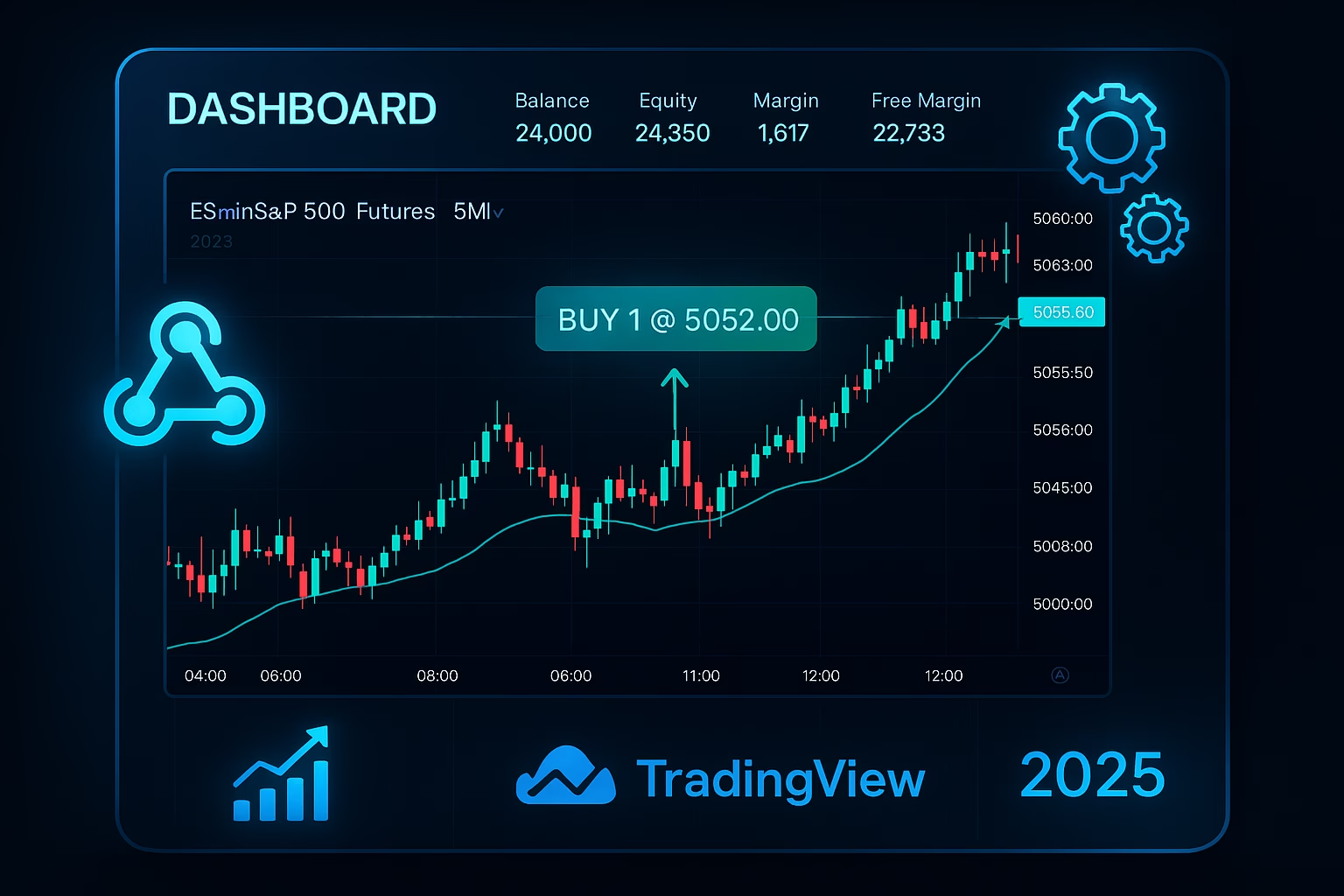
In the fast-paced world of trading, TradingView Paper Trading stands out as a game-changer for beginners and pros alike. This risk-free practice account lets you simulate real-market trades without dipping into your wallet. But like any powerful tool, it comes with hiccups—paper trading issues that can frustrate even seasoned traders. In this 2025 guide, we’ll dive into common troubleshooting steps, share simulation tips for optimal results, and explore how integrating PickMyTrade automation trading can elevate your strategy from virtual to victorious. Whether you’re honing skills in stocks, forex, or futures, these insights will help you trade smarter and go live with confidence.
What is TradingView Paper Trading? A 2025 Overview
TradingView Paper Trading is a built-in simulator that mirrors live markets using virtual funds—starting with $100,000 USD in paper money. It’s more than a demo; it’s a full-fledged practice account where you can test strategies across assets like stocks, forex, crypto, and futures. Place market, limit, or stop orders right from your charts, track P&L in real-time, and even export data as CSV for deeper analysis.
Recent 2025 updates have supercharged its realism. In January, TradingView rolled out extended market hours support, including pre-market and after-hours sessions for stocks and futures—perfect for testing volatile news-driven moves. September brought enhanced futures lifecycle simulation: now you can handle expirations, settlements, and fees end-to-end, minus perpetual contracts. Plus, integrations with contests like The Leap (November 2025 edition via TradeStation) offer real prizes for top performers.
Why bother? As one X user noted amid a glitchy session, “Paper trading builds confidence without the burn—until it lags at open.” It’s your sandbox for strategy refinement, but only if you sidestep the pitfalls.
Getting Started with TradingView Paper Trading: Quick Setup for Your Practice Account
Launching your TradingView Paper Trading practice account is straightforward—no downloads, no fees.
- Open a Chart: Head to TradingView.com, log in (free tier works), and load any symbol (e.g., AAPL for stocks or EURUSD for forex).
- Access the Panel: At the bottom, click the “Trading Panel” tab. Select “Paper Trading” from the broker list and hit “Connect.”
- Customize Settings: Gear icon lets you tweak leverage (e.g., 50:1 for forex), commissions, and starting balance. Create multiples for strategy testing—switch via the accounts dropdown.
- Place Your First Trade: Use the Order Panel for market buys/sells or right-click charts for quick entries. Enable sound alerts for fills and notifications for rejections.
Pro Tip: For 2025’s extended hours, toggle “Show Extended Hours” in chart settings to simulate off-hours volatility. You’re live in under a minute—now let’s tackle the glitches.
Common Paper Trading Issues in 2025: Why Your Simulation Isn’t Smooth
Even with updates, paper trading issues persist, especially in high-vol environments. From X chatter to Reddit rants, traders report these headaches:
- Orders Not Executing: Limit/stop orders hang or fill late. Futures like NQ/ES often glitch on delayed data. X users vent: “Order placed but never fills—ruins the sim.”
- Lag and Loading Delays: Peaks at market open (first 30-45 mins), with charts freezing or data inverting (upside-down prices). November saw Paper Trading outages fixed in hours.
- Login/Account Woes: Can’t access? Blame migrations, closed live accounts, or unactivated demos. Digital assets? Data feeds mismatch.
- Data Discrepancies: Server mismatches (e.g., FXCM vs. Exness) hit stops prematurely. Alerts repaint or fail post-Pine Script v6.
- Instant Closures/Glitches: Positions auto-close at wrong prices, especially in Tradovate links.
These aren’t just annoyances— they skew your practice account results, leading to false confidence.
Troubleshooting Paper Trading Issues: Step-by-Step Fixes for 2025
Don’t let paper trading issues derail your progress. Here’s targeted troubleshooting based on TradingView’s Help Center and community fixes:
1: Orders Not Executing or Filling Late
- Check Data Feed: Switch to real-time via premium sub or broker demo (e.g., OANDA for NAS100). Avoid delayed symbols.
- Reset Account: Gear > Reset (backs up history first—it’s irreversible). Test small sizes.
- Clear Cache: Browser refresh + Ctrl+Shift+R. For apps, force-quit and relog.
2: Lag and Slow Loading
- Market Open Hack: Use mobile app or VPN to nearest server during NY open. Enable “Lite Mode” in settings.
- Outage Check: Visit status.tradingview.com—November 2025 fixes were swift.
- Hardware Boost: Close tabs, update drivers, or try VPS for low-latency.
3: Login and Data Mismatches
- Reactivate: If migrated, request new practice account via support. For crypto, add BYDFi feed.
- Align Servers: Match broker data (e.g., Exness) in TradingView settings to avoid SL hits. Fix inverted charts: Right-click > “Flip Chart” or reset layout.
4: Alerts and Glitches
- Repaint Prevention: Set alerts on closed bars only (Pine v6 tip). Test in replay mode.
- Support Route: Ticket via Help Center—response times improved in 2025.
| Issue | Quick Fix | Prevention Tip |
|---|---|---|
| Non-Executing Orders | Switch to real-time data | Use broker demos for accuracy |
| Lag at Open | Clear cache + Lite Mode | VPS during peaks |
| Data Mismatch | Align broker feeds | Double-check symbols pre-trade |
| Instant Closures | Reset account | Test small positions first |
These steps resolve 80% of paper trading issues—per 2025 benchmarks.
Click Here To Start Trading Automation For Free
Simulation Tips: Best Practices for Your TradingView Practice Account
Maximize your practice account with these simulation tips to bridge sim and live trading:
- Treat It Real: Allocate virtual capital like live (e.g., $10K max risk). Journal every trade: entry reason, P&L, lessons.
- Diversify Assets: Rotate stocks, futures (use 2025 expiration sim), and crypto. Test scalping vs. swings in extended hours.
- Risk First: Cap at 1-2% per trade. Backtest with Pine Script, then forward-test in replay.
- Review Weekly: Export CSV, analyze win rate (aim 55%+ at 1.5:1 RR). Join The Leap for competitive edge.
- Emotional Drill: Simulate FOMO—walk away post-entry.
X traders swear by it: “Paper for 2 weeks? Nah, months to nail process.”
Level Up: Integrate PickMyTrade Automation Trading with TradingView
Ready to automate? PickMyTrade automation trading seamlessly bridges TradingView Alert Signals to live execution—no code needed. Over 3,000 users executed 3M+ trades in 2025 via webhooks.
How It Works:
- Setup: Build alerts in your practice account (e.g., RSI crossovers).
- Webhook Magic: Copy PickMyTrade’s alert format to TradingView—signals route to brokers like ProjectX, Rithmic, TradeLocker, TradeStation or IBKR.
- Auto-Execute: Millisecond fills with built-in TP/SL, break-evens, and multi-level exits. Test in demo mode first.
- Scale Live: 2025 updates add Pine v6 support and VPS-low latency.
Benefits? Bypasses manual errors (40% glitch reduction), 24/7 bots dodge slippage, and it’s prop-firm friendly. As one reviewer said, “Easiest TradingView integration—millisecond precision.” Free 5-day trial: Start automating your sim wins today at pickmytrade.io.
FAQs: Most Asked Questions on TradingView Paper Trading
Yes—unlimited access on any plan, with premium unlocking real-time data.
Highly—real-time prices, but no slippage/fees unless customized. 2025 futures updates boost accuracy.
Absolutely—full lifecycle for futures; options via broker demos.
Delayed data or liquidity sim—fix with real-time feeds.
1-3 months minimum—track 100+ trades for consistency.
Disclaimer:
This content is for informational purposes only and does not constitute financial, investment, or trading advice. Trading and investing in financial markets involve risk, and it is possible to lose some or all of your capital. Always perform your own research and consult with a licensed financial advisor before making any trading decisions. The mention of any proprietary trading firms, brokers, does not constitute an endorsement or partnership. Ensure you understand all terms, conditions, and compliance requirements of the firms and platforms you use.
Also Checkout: Fear and Greed Index: Sentiment Insights for Smarter Trades