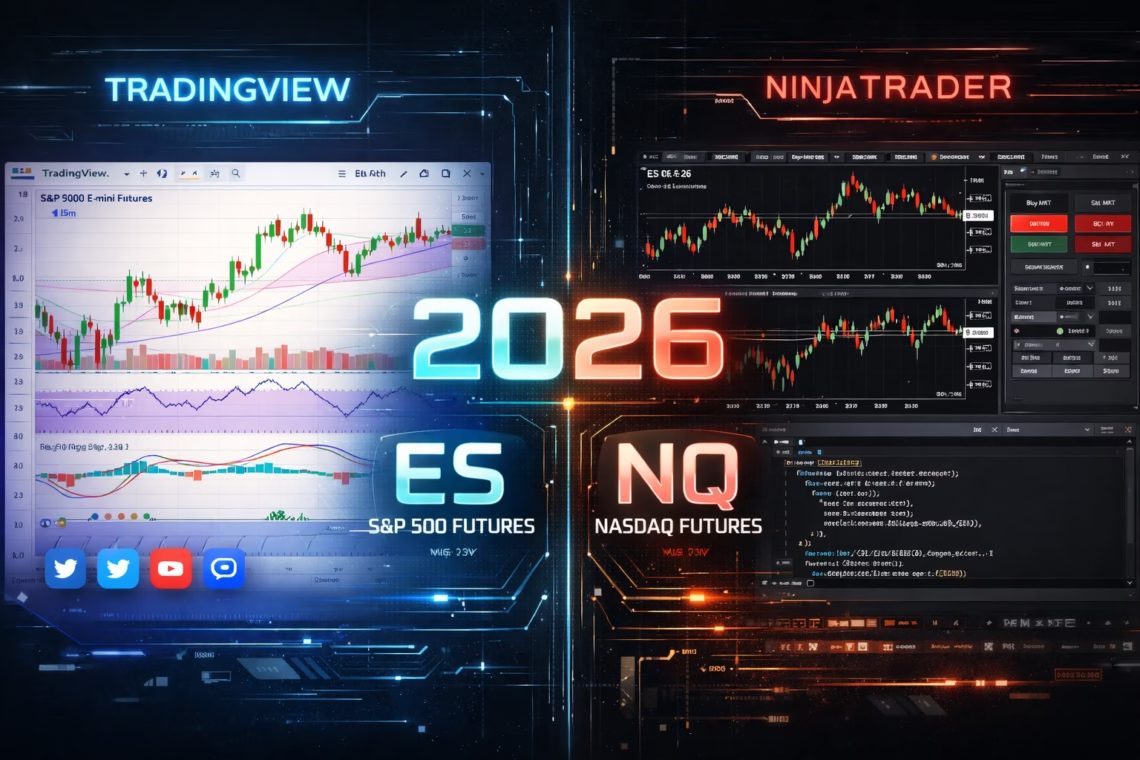
In the fast-evolving world of trading platforms, the NinjaTrader vs TradingView debate remains central for traders seeking the best tools for analysis, execution, and automation. TradingView shines as a versatile, cloud-based charting powerhouse with a massive community, while NinjaTrader stands out as a desktop-focused powerhouse for futures trading, advanced order management, and strategy automation.
As of early 2026, recent updates highlight their strengths: TradingView has rolled out enhanced desktop features (like customizable New Tab in version 3.0.0), expanded crypto and bond data, and improved Pine Script capabilities for indicators and alerts. NinjaTrader, meanwhile, continues its global push with European expansion (via partnerships starting in Netherlands and Germany), new leadership for international growth, ongoing platform refinements (up to version 8.1.x in late 2025), and events like the NinjaTrader Arena competitions offering real cash prizes.
But when does TradingView fall short? This guide explores scenarios where you should not use TradingView—and why NinjaTrader (or enhanced setups) often wins for serious traders, especially in US futures markets.
NinjaTrader vs TradingView: Core Comparison in 2026
Both platforms excel in technical analysis, but they target different needs.
- Charting and Usability — TradingView offers intuitive, browser-based access with stunning visuals, social sharing, and a gentle learning curve. It’s ideal for multi-asset analysis (stocks, crypto, forex, futures). NinjaTrader requires a desktop download but delivers deeper customization and professional-grade tools.
- Markets and Data — TradingView covers broad assets with real-time data via broker integrations. NinjaTrader specializes in futures and forex, with low margins, fast execution, and direct broker connectivity for US markets.
- Pricing — TradingView uses monthly subscriptions (free tier to premium). NinjaTrader offers a one-time license or free for simulation, with commissions on live trading.
- Automation and Execution — This is where differences shine. TradingView supports alerts and basic Pine Script strategies, but lacks native automated execution. NinjaTrader’s NinjaScript (C#-based) enables robust backtesting, algorithmic trading, and direct automation.
Click Here To Automate Futures Trading
When Should You NOT Use TradingView? Key Scenarios in NinjaTrader vs TradingView
TradingView is excellent for charting and idea-sharing, but several limitations make it unsuitable for certain traders in 2026.
- You Need Full Automation for Futures Trading If you’re running automated strategies on US futures (like E-mini S&P 500, Nasdaq, or micros), TradingView’s webhook alerts can signal trades, but execution requires third-party bridges with potential delays or complexity. NinjaTrader provides seamless, built-in automation via NinjaScript—build, backtest, and execute strategies directly with low latency.For enhanced futures automation on US markets, tools like PickMyTrade integrate perfectly. PickMyTrade offers no-code automation, connecting signals (even from TradingView) to brokers like NinjaTrader, Tradovate, or Rithmic. It supports 24/7 execution, unlimited strategies, and prop firm compatibility—ideal for scaling automated futures trading without coding hassles.
- High-Frequency or Scalping in Volatile Markets Futures day traders need millisecond precision. TradingView may introduce minor lags in data feeds or execution (even on paid plans), and it lacks advanced order types like OCO/ATM. NinjaTrader delivers professional execution, deep market data, order flow tools, and fast fills—critical for scalping ES, NQ, or other CME contracts.
- Advanced Backtesting and Strategy Optimization TradingView’s strategy tester is solid for Pine Script but limited in depth and real-market simulation. NinjaTrader’s Strategy Analyzer offers comprehensive historical testing, optimization, and walk-forward analysis—essential for refining automated systems before live deployment.
- Direct Broker Integration and Low-Latency Futures Trading For dedicated futures brokers, NinjaTrader integrates natively for ultra-reliable execution. TradingView requires external broker connections, which can add friction or compatibility issues.
- You Prioritize Professional Tools Over Social Features If community scripts and sharing aren’t priorities, TradingView’s strengths become less relevant. NinjaTrader caters to serious traders with customizable workspaces, volume analysis, and risk management tools.
In short, avoid TradingView if your focus is precise, automated futures trading on US markets—opt for NinjaTrader combined with solutions like PickMyTrade for superior automation and execution.
Final Thoughts: Choosing Between NinjaTrader vs TradingView in 2026
TradingView dominates for casual to intermediate traders needing versatile charting and community insights. But for futures-focused, automation-driven trading—especially automated futures on US markets—NinjaTrader (potentially boosted by PickMyTrade) provides unmatched depth and reliability.
Test both: Use NinjaTrader’s free simulator or TradingView’s free tier to decide. Your trading style will determine the winner in the NinjaTrader vs TradingView matchup.
Most Asked FAQs
Yes, especially for automation, fast execution, and advanced tools. TradingView excels in charting but lacks native futures automation.
Indirectly via alerts and webhooks, but not as robustly as NinjaTrader’s built-in NinjaScript or tools like PickMyTrade.
Some integrations allow TradingView data in NinjaTrader, but native NinjaTrader tools are often preferred for futures.
Yes—it bridges TradingView signals to NinjaTrader (and others) for automated futures execution on US markets.
Disclaimer:
This content is for informational purposes only and does not constitute financial, investment, or trading advice. Trading and investing in financial markets involve risk, and it is possible to lose some or all of your capital. Always perform your own research and consult with a licensed financial advisor before making any trading decisions. The mention of any proprietary trading firms, brokers, does not constitute an endorsement or partnership. Ensure you understand all terms, conditions, and compliance requirements of the firms and platforms you use.
Also Checkout: Pattern Recognition Trading with AI in 2026