Why Choose Interactive Brokers for Automation in 2025?
Interactive Brokers has long been a favorite for algo traders, offering low commissions, access to 150+ global markets, and institutional-grade tools. In 2025, updates like the fall Advisor Insights Survey reveal 72% of RIAs expect business growth, with 79% leveraging AI tools—up 21% from earlier this year. Key enhancements include:
- Connections Tool (August 2025 Launch): AI-driven insights linking global investment ideas, perfect for IB automation strategies spotting correlated assets.
- IBKR Desktop 1.2 (October 2025): Faster execution with one-click orders, customizable QuickTrade buttons, and an Ask IBKR AI for portfolio analysis—ideal for active IBKR integration.
- API v10.37 (May 2025): WebSocket polling 30% faster, enhanced Python bindings for ML models, and zero SEC Section 31 fees boosting net interest income.
These upgrades make Interactive Brokers automation more accessible, reducing latency and emotional bias while scaling profits—traders report 30-50% return boosts via automated setups. For no-coders, PickMyTrade simplifies IB automation by converting TradingView webhooks into instant IBKR orders, no API headaches required.
Core Benefits of Interactive Broker Integration and Automation
Seamless IBKR integration unlocks:
- Global Reach: Trade stocks, options, futures, and forex 24/7 with extended hours.
- Cost Efficiency: Zero inactivity fees in 2025, plus rebates on liquidity provision.
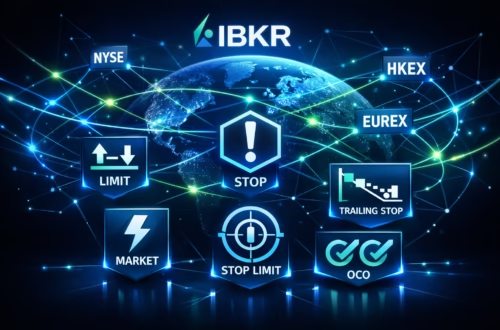
- Risk Tools: Over 100 order types like VWAP, TWAP, and Adaptive Algo for precise IB automation.
- Data Power: Real-time streaming via Web API, with historical backtesting support.
Pair this with PickMyTrade automation trading, and you get TradingView-to-IBKR execution in under a second—deploying iron condors or RSI-based limits effortlessly. Recent benchmarks show 20% faster AI alerts, making it a trending choice for prop traders on platforms like Traders Launch.
Step-by-Step Setup for Interactive Brokers Automation with PickMyTrade
Ready to automate? Follow this updated 2025 guide for IBKR integration using PickMyTrade. It’s no-code friendly, but we’ll include Python tips for devs.
Step 1: Open and Fund Your Interactive Brokers Account
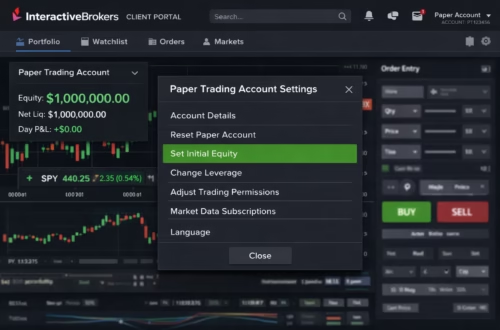
- Visit interactivebrokers.com and apply for an IBKR Pro account (required for API access).
- Fund with at least $10,000 for full features (demo accounts available for testing).
- Enable API access: Log into Client Portal > Settings > Account Settings > API > Enable “Trader Workstation API” and note your Client ID (e.g., 1-2).
2025 Tip: Use the new Karta Visa card for fee-free global funding, earning rewards on deposits.
Step 2: Install and Configure TWS or Interactive Broker Gateway
- Download Trader Workstation (TWS) or IB Gateway from IBKR’s site—Gateway is lighter for IB automation servers.
- Launch TWS/Gateway, log in with your credentials.
- Go to File > Global Configuration > API > Settings:
- Check “Enable ActiveX and Socket Clients.”
- Set Socket Port to 7497 (live) or 7496 (paper).
- Add trusted IP: 127.0.0.1 (local) or your VPS IP.
- Apply and restart. For VPS hosting (e.g., QuantVPS), allocate 2GB RAM for <50ms latency.
Pro Update: IBKR Desktop 1.2 now auto-enables API polling—test with the built-in Ask IBKR AI for quick diagnostics.
Step 3: Integrate PickMyTrade for No-Code IB Automation
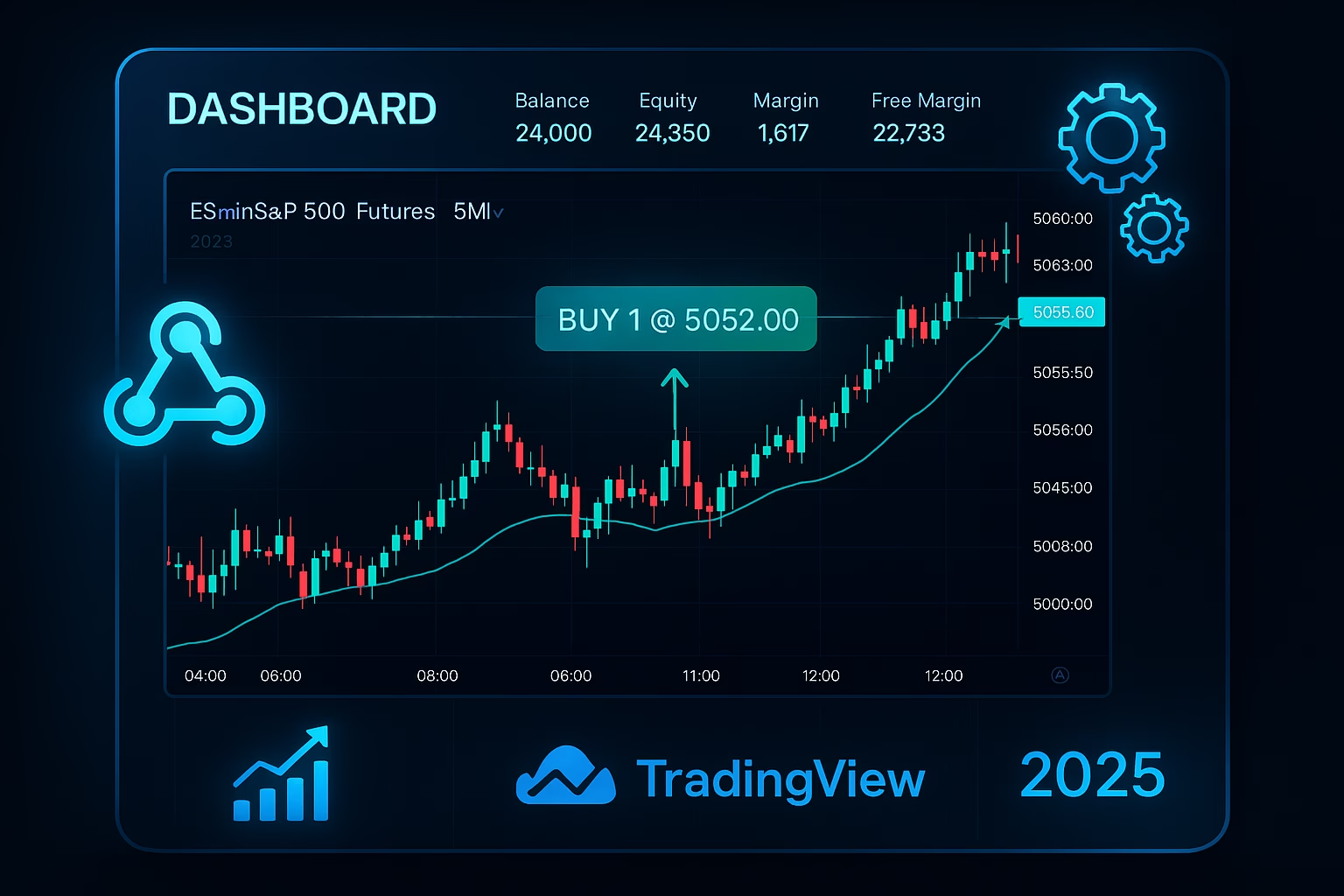
PickMyTrade shines in IBKR integration, automating TradingView alerts to IBKR without scripts. Here’s the quick setup:
- Sign up at pickmytrade.io (5-day free trial, no card needed).
- Dashboard > Connections > Add Broker > Select “Interactive Brokers (IB).”
- Download IB app and TWS, Enter IBKR details: Username, Password, Account ID, Trading Mode (Live/Paper).
- Choose asset: Stocks, Options, Futures (e.g., ES for S&P futures).
- Set risk rules: Stop Loss (ticks/% loss), Take Profit, Quantity Multipliers for multi-account scaling.
- In TradingView: Create alert > Webhook URL (from PickMyTrade) > Add JSON payload (e.g., {“action”: “buy”, “symbol”: “AAPL”, “qty”: 10}).
Test with a paper account—alerts trigger market/limit orders in IBKR instantly. For options, specify chains like “AAPL 150C.” 2025 Edge: New webhook enhancements support bracket orders for iron condors, up 20% faster per IBKR’s API changelog.
Step 4: Advanced IBKR Integration with Python for Custom Automation
For coders, leverage IBKR’s TWS API (v9.72+). Install via pip: pip install ibapi or use ib_insync for simplicity.
Python
from ibapi.client import EClient
from ibapi.wrapper import EWrapper
from ibapi.contract import Contract
from ibapi.order import Order
import threading
import time

class IBApp(EWrapper, EClient):
    def __init__(self):
        EClient.__init__(self, self)

    def nextValidId(self, orderId: int):
        super().nextValidId(orderId)
        self.nextOrderId = orderId
        # Place sample order
        contract = Contract()
        contract.symbol = "AAPL"
        contract.secType = "STK"
        contract.exchange = "SMART"
        contract.currency = "USD"

        order = Order()
        order.action = "BUY"
        order.totalQuantity = 10
        order.orderType = "MKT"

        self.placeOrder(self.nextOrderId, contract, order)

app = IBApp()
app.connect("127.0.0.1", 7497, 0)  # Port for live TWS

api_thread = threading.Thread(target=app.run)
api_thread.start()
time.sleep(1)  # Allow connection

app.disconnect()
Run this to place a market buy—adapt for PickMyTrade signals via webhooks. 2025 Note: Python bindings now support ML libs like Torch for predictive algos, aligning with IBKR’s AI push.
Step 5: Deploy, Monitor, and Optimize Your Interactive Broker Automation Setup
- Go Live: Switch to live mode in PickMyTrade/TWS. Monitor via IBKR’s new Forum access in Client Portal (November 2025).
- Risk Management: Use OCA groups and trailing stops—essential for volatile 2025 markets.
- Backtest: Pull historical data via Flex Queries; test on paper for 67% volume spikes like Q3’s stock surge.
- Scale: Host on VPS for 24/7 uptime; integrate Connections for idea generation.
With PickMyTrade, scaling multi-account IB automation is effortless—allocate trades across sub-accounts via multipliers.
Recent 2025 Updates Revolutionizing Interactive Broker Automation
IBKR’s momentum is undeniable: Q3 pretax margins hit 79%, up from 67% YoY, with client equity at $19.5B. The ISK account launch (September 2025) aids Swedish traders, while API enhancements support 47% DART growth in September. For IBKR integration, Web API now offers OAuth 2.0 for secure third-party links, like PickMyTrade.
These changes make Interactive Brokers automation trending—join the 32% account growth wave.
FAQs: Most Asked Questions on Interactive Broker Automation
Use PickMyTrade for no-code IB automation—connect TradingView in minutes. For coders, start with ib_insync Python library and TWS demo.
Yes, via API order types like brackets for iron condors. PickMyTrade automates TradingView signals for options chains seamlessly.
IBKR Pro: $0 commissions on US stocks/ETFs (Lite tier), no inactivity fees. PickMyTrade: Starts at $29/month post-trial.
Absolutely—PickMyTrade supports quantity multipliers for sub-accounts under one login.
Socket port mismatches or untrusted IPs—double-check TWS settings. Use paper trading first.
Disclaimer:
This content is for informational purposes only and does not constitute financial, investment, or trading advice. Trading and investing in financial markets involve risk, and it is possible to lose some or all of your capital. Always perform your own research and consult with a licensed financial advisor before making any trading decisions. The mention of any proprietary trading firms, brokers, does not constitute an endorsement or partnership. Ensure you understand all terms, conditions, and compliance requirements of the firms and platforms you use.
Also Checkout: Fear and Greed Index: Sentiment Insights for Smarter Trades