Interactive Brokers (IBKR) paper trading remains one of the most powerful tools for traders in 2026. It provides a realistic, risk-free environment to test strategies, explore platforms, and build confidence before committing real capital. With real-time market data, full access to advanced tools, and pre-funded simulated equity, IBKR trading stands out for beginners and pros alike.
Whether you’re honing day trading skills, experimenting with options, or automating strategies, this updated guide covers everything you need as of January 2026.
What Is IBKR Paper Trading and Why Use It?
IBKR paper trading is a simulated trading account that mirrors your live Interactive Brokers account. It uses real market conditions, prices, and execution logic without risking actual money.
Key benefits include:
- Pre-loaded with $1,000,000 in simulated equity (Equity with Loan Value) that fluctuates realistically.
- Full access to IBKR platforms: Trader Workstation (TWS), IBKR Desktop, Client Portal, IBKR Mobile, and more.
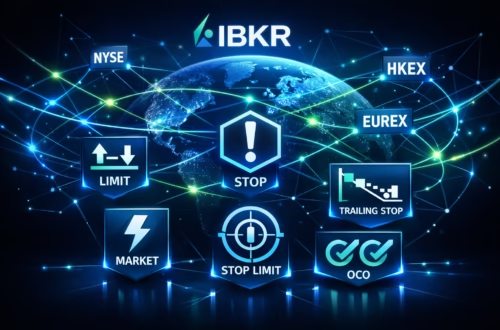
- Practice advanced features like order types (limit, stop, bracket), risk tools (IB Risk Navigator), options analytics, and API testing.
- Share real-time market data subscriptions from your live account.
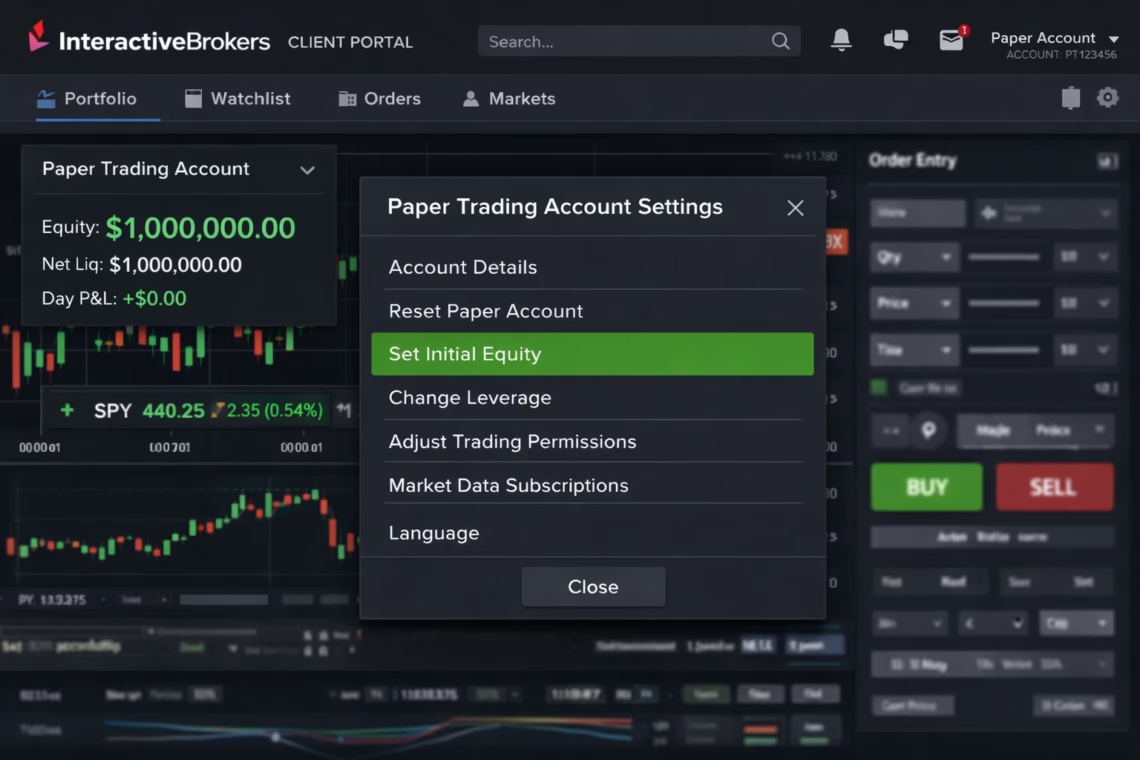
- Reset funds anytime via Client Portal.
As of 2026, no major changes have altered the core setup, but IBKR emphasizes seamless multi-platform access and customization for simulated environments.
Step-by-Step: How to Set Up IBKR Paper Trading in 2026
Setting up IBKR paper trading is straightforward and takes minutes. Note: You need an active IBKR live account first—paper accounts are tied to it.
- Log into Client Portal Visit the IBKR Client Portal (secure login at interactivebrokers.com) using your live account credentials.
- Navigate to Paper Trading Settings Click the User menu (head and shoulders icon, top right) > Settings > Account Configuration > Paper Trading Account.
- Create or Manage Your Paper Account
- Set unique username and password (separate from live account).
- Opt to share real-time market data subscriptions (recommended for accurate simulation).
- Save changes. IBKR activates the account (usually within 24 hours; email notification sent). New clients often get it automatically.
- Log In and Start Trading Use your new paper credentials to access:
- Trader Workstation (TWS) or IBKR Desktop for advanced charting.
- IBKR Mobile app.
- Client Portal for quick trades. Your account starts with $1M simulated buying power.
- Customize and Reset Configure watchlists, hotkeys, layouts, and permissions just like live. Reset equity anytime in Settings if needed.
Pro Tip: Enable “Save paper trading account” in TWS Global Configuration (Edit > Global Configuration > API > Settings) to preserve setups between sessions.
Advanced Features in IBKR Paper Trading
Once set up, IBKR paper trading unlocks pro-level tools:
- Test strategies across stocks, options, futures, forex, bonds.
- Use Fundamentals Explorer, Strategy Builder, and Risk Navigator.
- Simulate API integrations for algo testing.
- Access daily paper statements.
Limitations: Paper fills may differ slightly from live (e.g., not ideal for ultra-precise backtesting), and some Broker Portal functions are restricted.
Click Here To Automate Trading on IBKR
Automate Your IBKR Paper Trading with PickMyTrade
Want to take IBKR paper trading further? Integrate automation tools like PickMyTrade for hands-free execution.
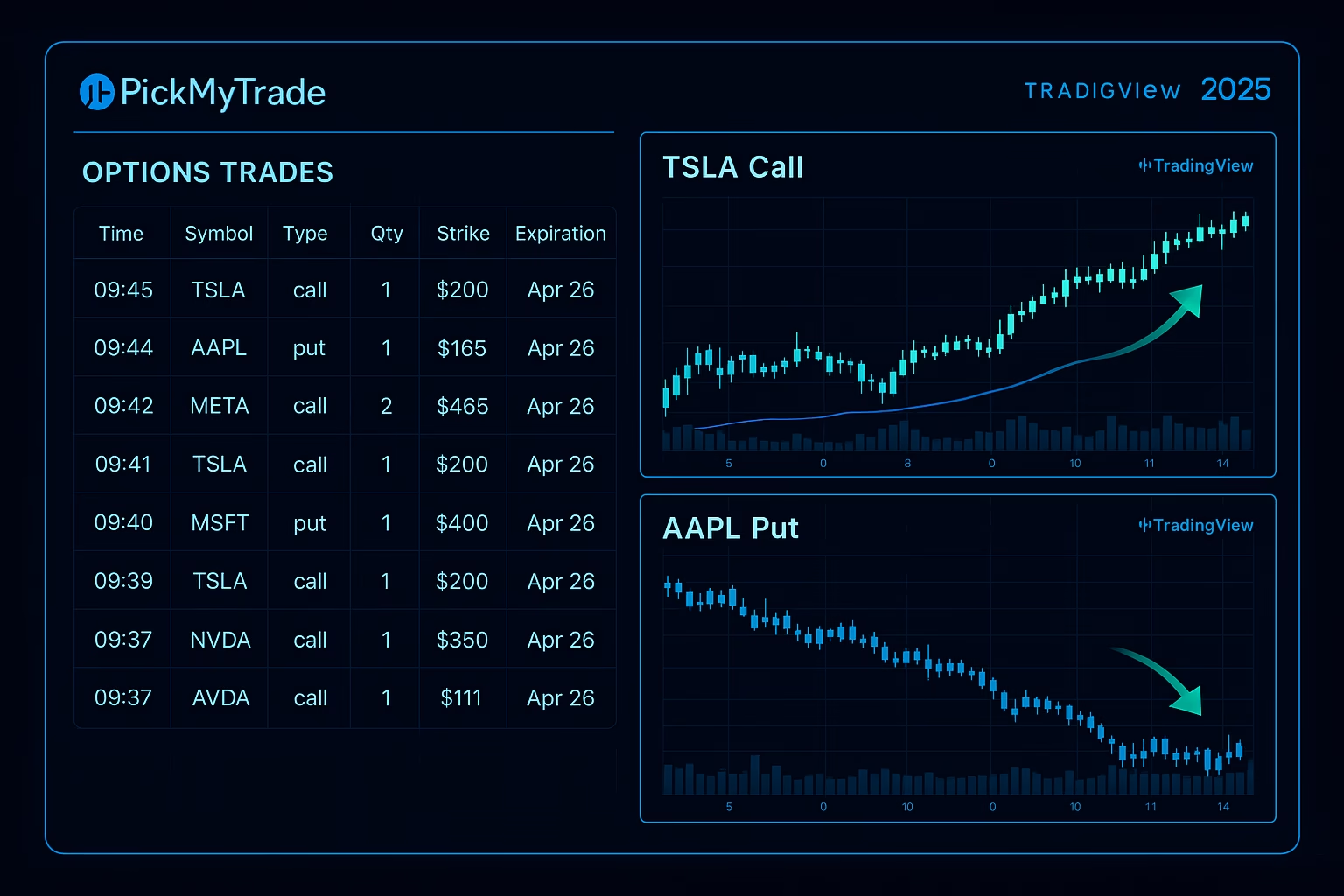
PickMyTrade connects TradingView alerts to IBKR (live or paper) without coding. It’s ideal for automating strategies in simulated mode.
Setup highlights:
- Link your IBKR paper account to PickMyTrade (supports multiple accounts).
- Generate webhook URLs and JSON alerts in PickMyTrade dashboard.
- Configure TradingView alerts to trigger automated trades via PickMyTrade.
- Test strategies 24/7 with precision—perfect for futures, stocks, or options in risk-free mode.
- Supports session management, multiple brokers, and prop firm integrations.
This combo lets you refine automated systems in IBKR paper trading before going live. Thousands of traders use similar setups for seamless automation.
Tips for Success
- Treat it seriously: Follow real risk rules.
- Use real data: Share subscriptions for live quotes.
- Explore Traders’ Academy: Free IBKR courses on paper trading.
- Reset often: Keep fresh capital for new tests.
- Transition wisely: Move proven strategies to live gradually.
Most Asked FAQs
It’s a simulated account mirroring live trading with real market data, no real money at risk.
Yes, paper accounts are requested from your live Client Portal.
Yes, enable sharing of your live market data subscriptions.
Yes, via tools like PickMyTrade with TradingView alerts for strategy testing.
Disclaimer:
This content is for informational purposes only and does not constitute financial, investment, or trading advice. Trading and investing in financial markets involve risk, and it is possible to lose some or all of your capital. Always perform your own research and consult with a licensed financial advisor before making any trading decisions. The mention of any proprietary trading firms, brokers, does not constitute an endorsement or partnership. Ensure you understand all terms, conditions, and compliance requirements of the firms and platforms you use.
Also Checkout: Automated Futures Trading System Made Simple